ACCESSORIES 740 SELECT
21-22-0335 Rev D Page 28 of 40
The Respiration Rate Monitoring settings and specifications may be found in the
SPECIFICATIONS chapter of this manual.
Procedures for changing configuration settings, such as enabling alarms, or adjusting alarm
limits, may be found in the RESPIRATION SETUP chapter.
FREEZING WAVEFORMS
In some clinical environments the user may want to freeze the displayed waveforms.
Touching the right side of the waveform area (under the blue line) will cause all displayed
waveforms to be frozen. Refer to Figure 9 in FREEZING WAVEFORMS section on page 18 for
additional information regarding freezing waveforms.
RESPIRATION SETUP
To begin Respiration monitoring use the following procedure:
RESPIRATION WAVEFORM
f. Touch the left side of the waveform area
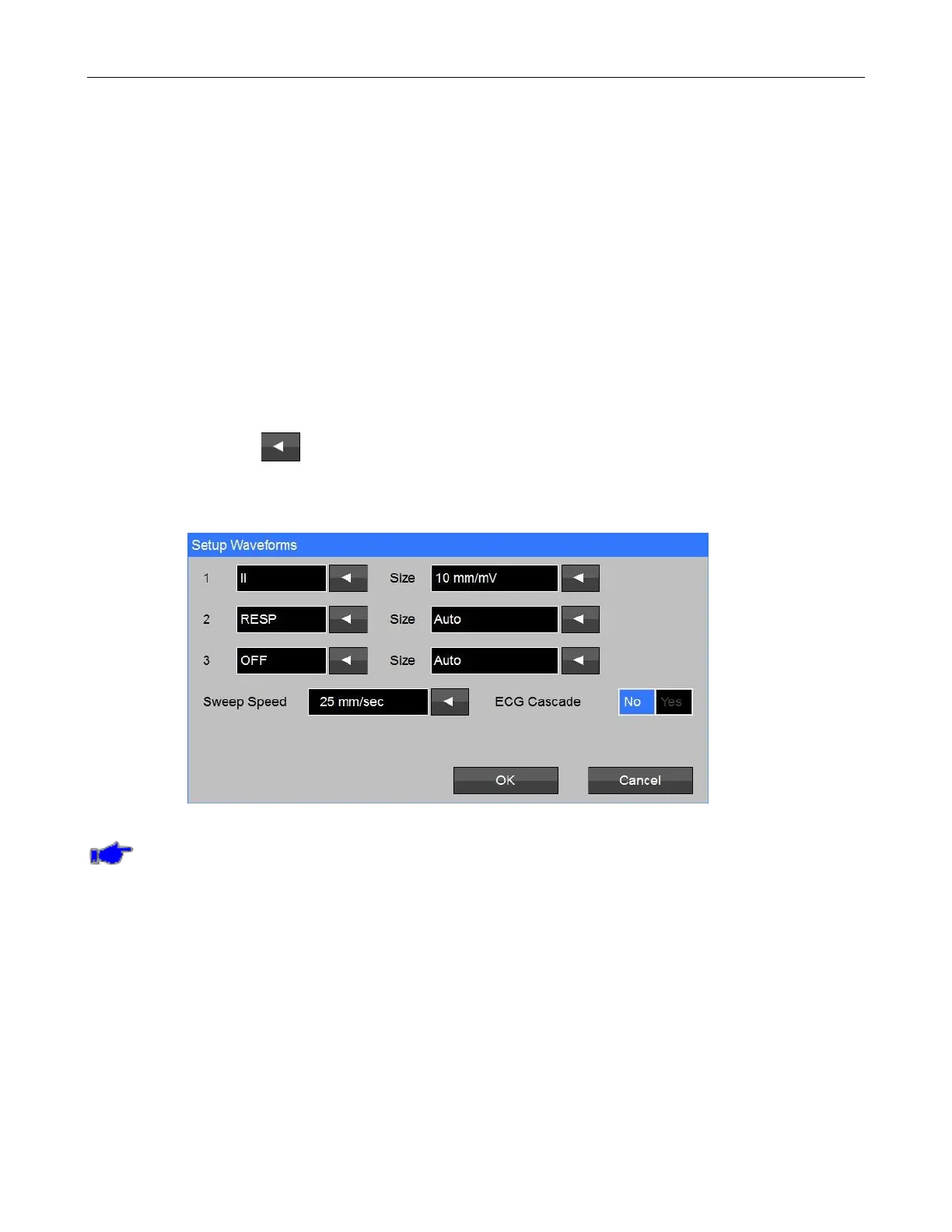
g. Touch the adjacent to the Waveform 2 selection (Refer to Figure 17);
d. Touch Resp and touch OK; and
e. Touch Home to return to the Main screen.
Figure 17: Resp Waveform Setup screen
Note: If the Monitor is configured with a capnography module (ETCO
2
), the Monitor will not
allow the display of the Respiration Waveform or Numeric from the ECG source.



 To Next Page