ECG MONITORING 740 SELECT
21-22-0335 Rev D Page 20 of 40
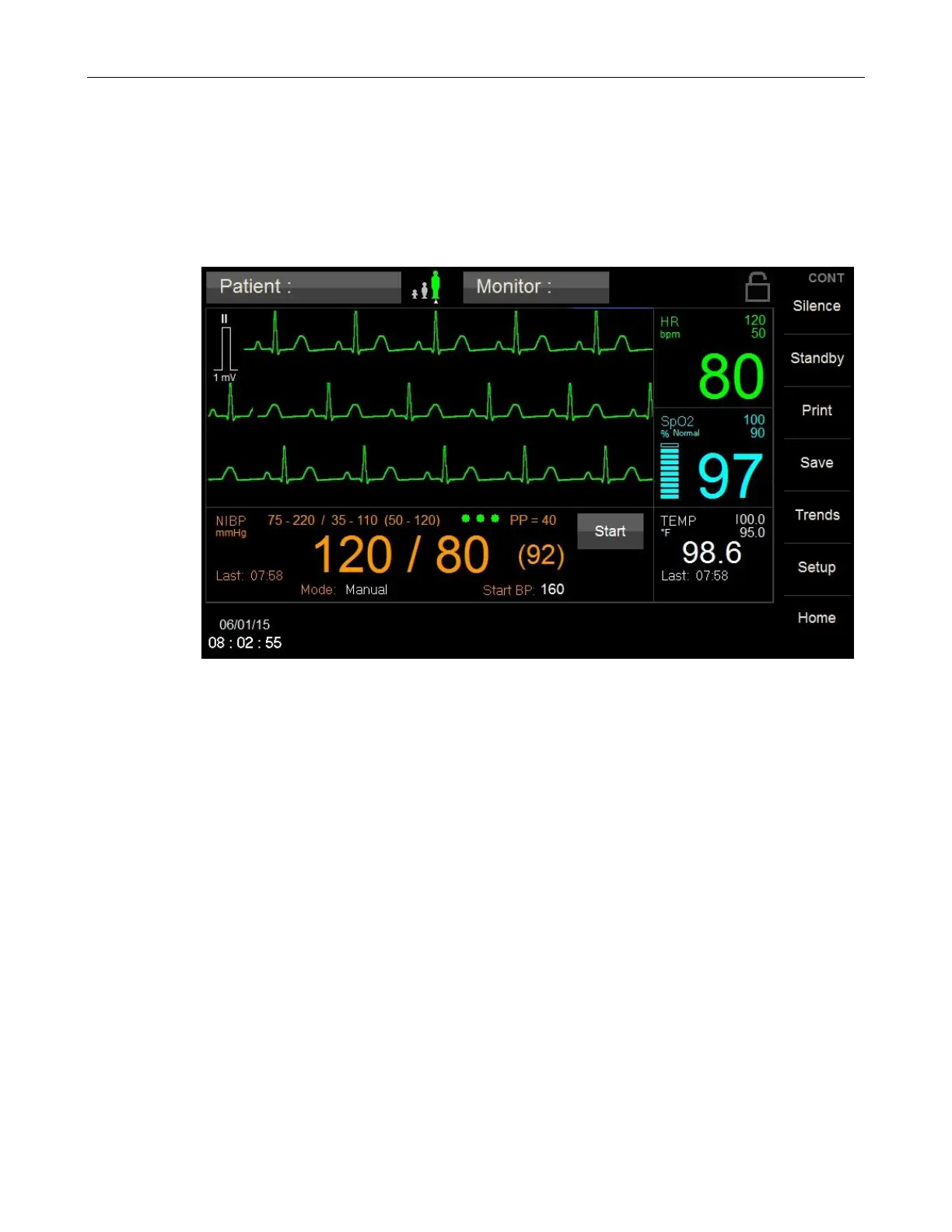
ECG CASCADE
i. Touch the left side of the waveform area
j. Touch the Yes adjacent to the ECG Cascade selection to Enable;
OR
k. Touch the No adjacent to the ECG Cascade selection to Disable;
l. Touch Home to return to the Main screen.
Figure 11: ECG Cascade Enabled



 To Next Page