Configuration from Embedded Web Server
5 - 12
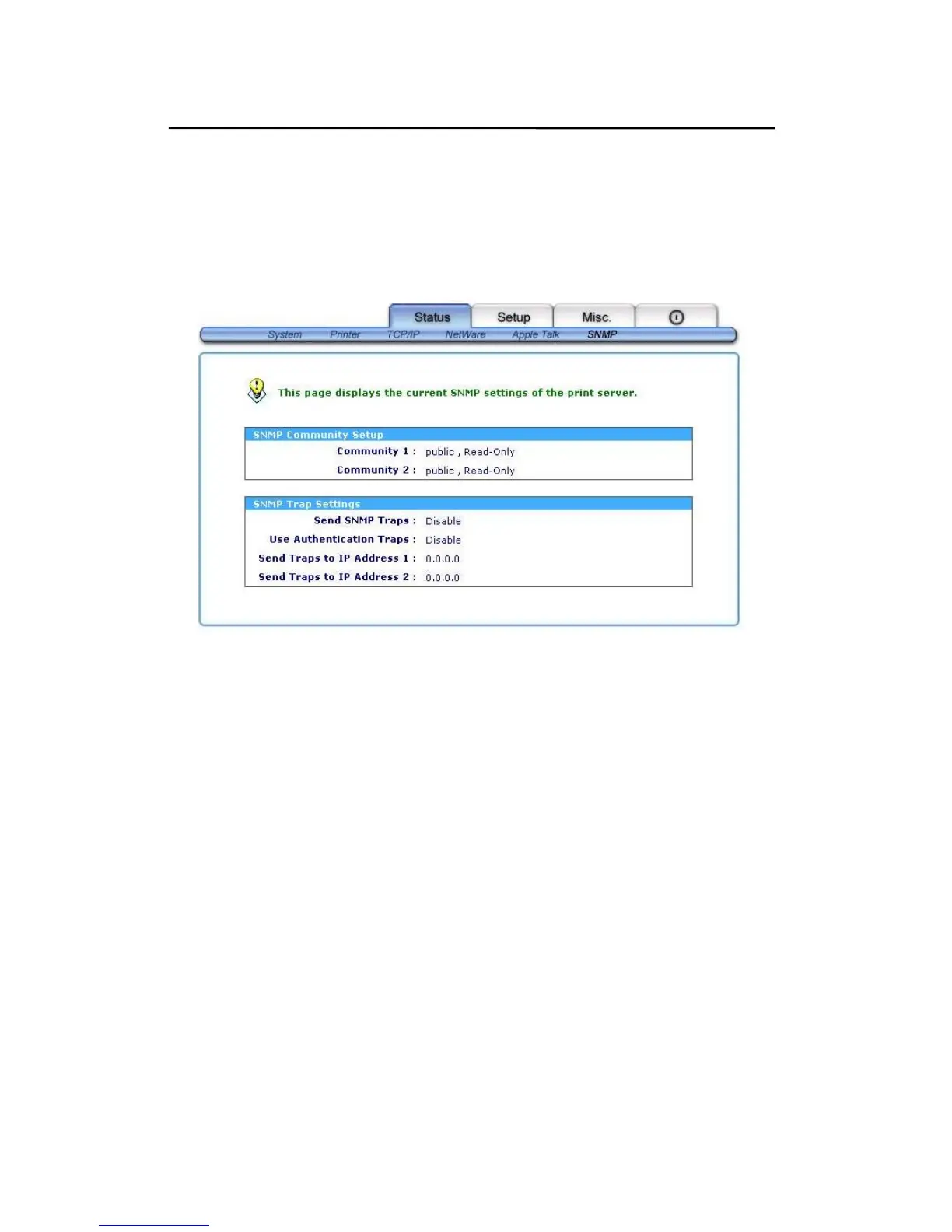
SNMP Status
1. Click Status, it then appears the sub-menu.
2. Click SNMP, it then as shown in the following picture.
SNMP Communities: This option allows you to view
SNMP communities from the print
server. There are two communities
that control message from the
network management of the print
server.
SNMP Traps: This option allows you to view SNMP traps
from the print server.



 To Next Page