Configuration from Embedded Web Server
5 - 13
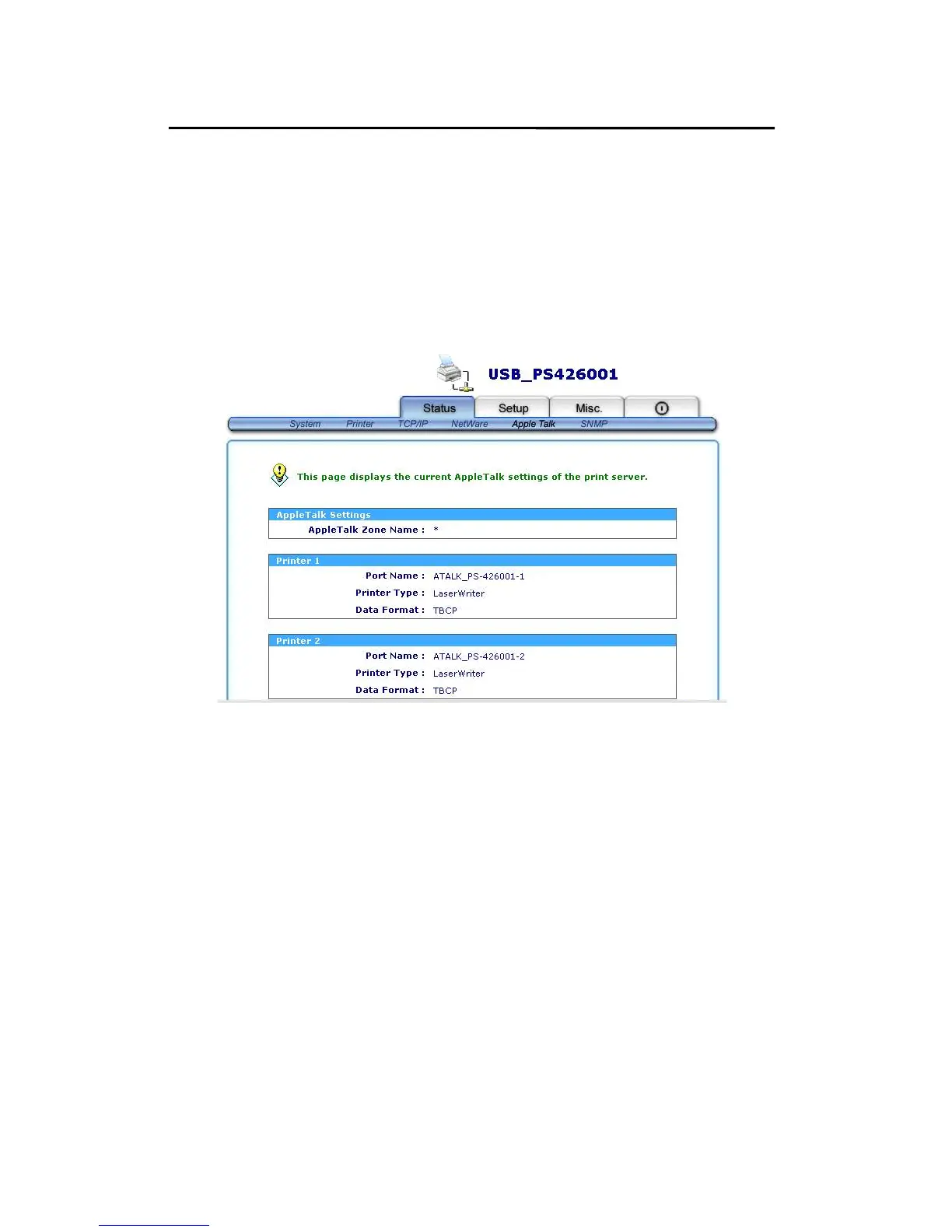
AppleTalk Status
1. Click Status, it then appears the sub-menu.
2. Click AppleTalk, it then as shown in the following
picture.
Zone Name: If no any zone exists, the print server itself
displays the zone name as an asterisk (*) in
the current AppleTalk Status of the print
server in the web browser.
Port Name: <ATALK_PS>-xxxxxx-1, where xxxxxx
represents the last six digits of the print
server’s Node ID.
Printer Type: This option allows you to view printer type
from the print server. If you are using a
PostScript printer you can select the
LaserWriter 8 icon from your Mac computer.



 To Next Page