Network Print Monitor
6 - 8
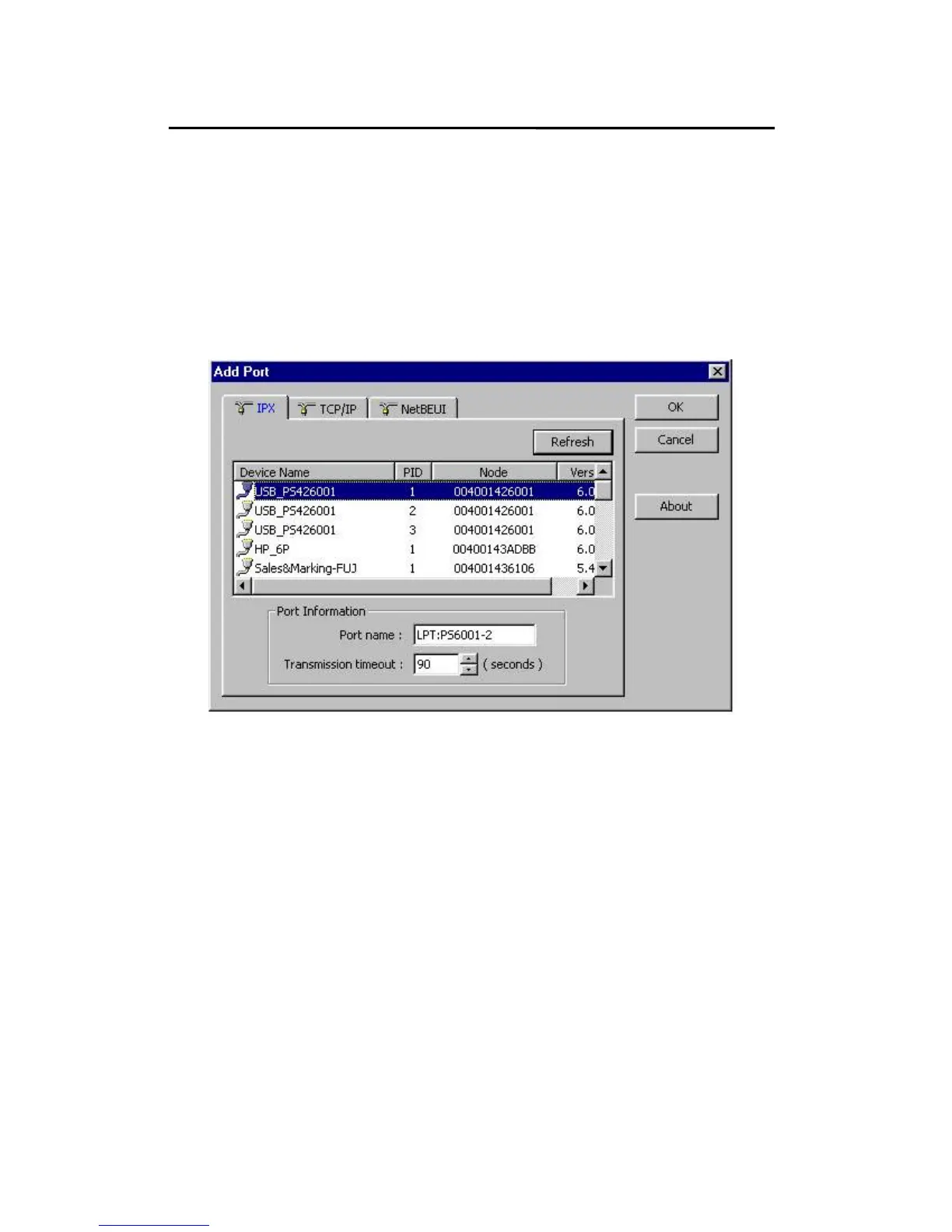
16. The Add Port box will then appear, along with the print
server’s Node ID (The last 6 digits of the Node ID,
located on the back of the print server unit). Select
one printer server port from the list, which is now
connected to (one of) your printer(s), as shown in the
following picture.
By default, the computer will first search for the print
server(s) on the network by using the IPX/SPX
protocol.
If the IPX/SPX protocol is installed, the print server will
be displayed along with its Node ID, as shown in Node
column. (The last 6 digits of the Node ID, located on
the back of the print server unit). Select one of the
print server’s ports from the list.



 To Next Page