Network Print Monitor
6 - 7
10. A message reading, “After your printer is installed,
Windows can print a test page so you can confirm that
the printer is set up properly.” Select No and click
Finish.
11. Double-click the newly created Printer Name icon.
12. Select Printer and Properties.
13. Click Details tab and select Add Port.
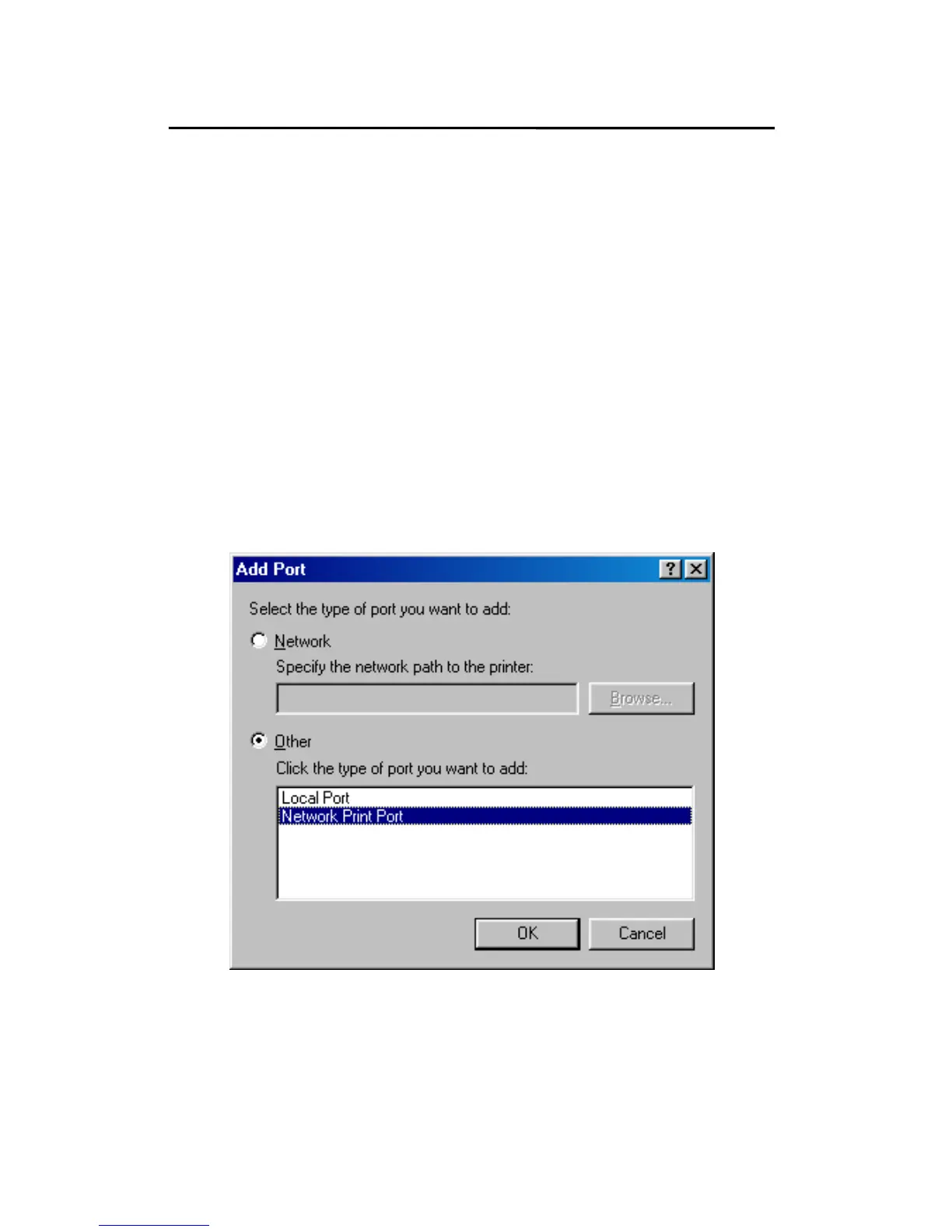
14. In the Add Port dialog box, select Other, as shown in
the following picture.
15. Select the Network Print Port and click OK.



 To Next Page