USER’S MANUAL OF WLAN BROADBAND ROUTER Version: 1.0
60
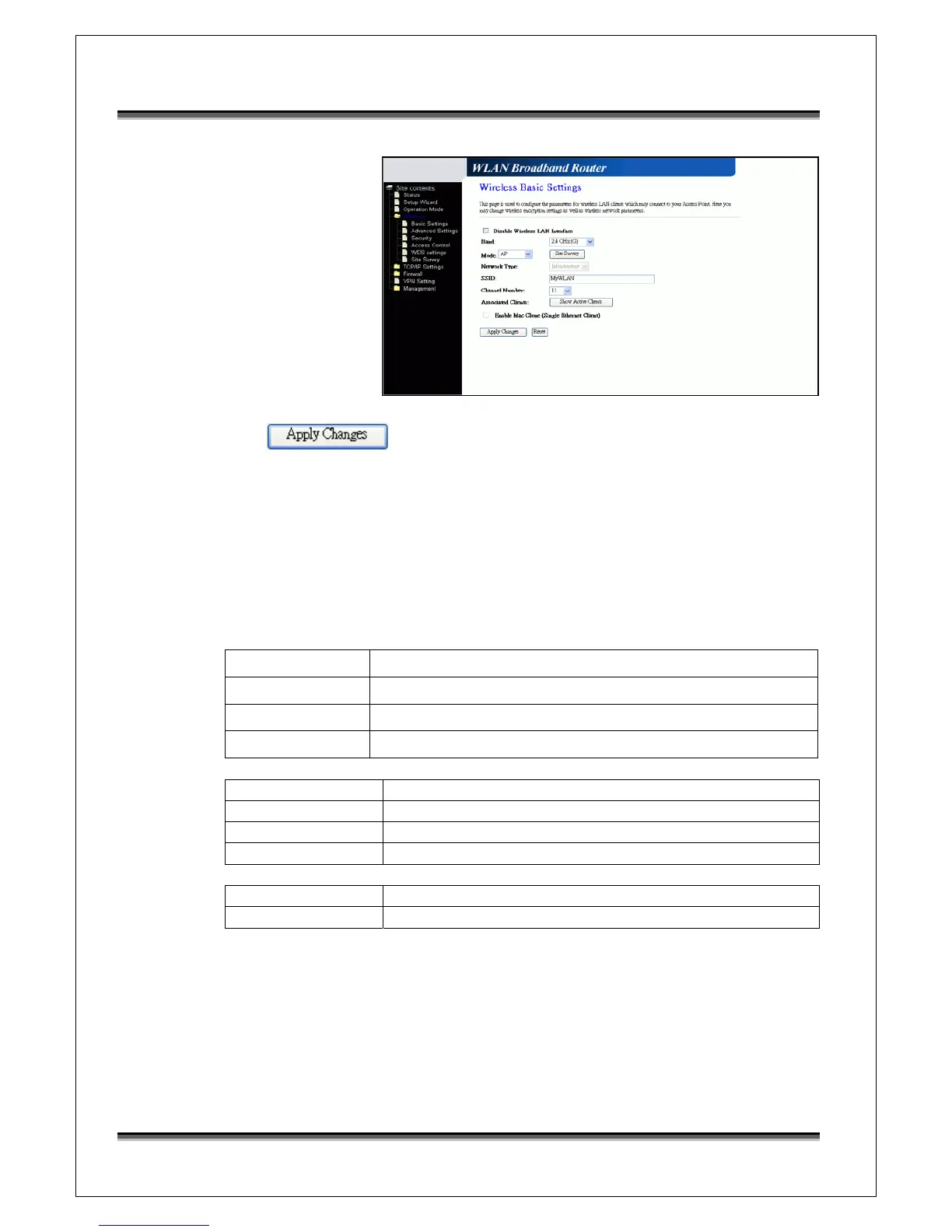
Configure the WLAN interface:
Open WLAN
Interface Setup page,
enter the SSID
“MyWLAN”,
Channel Number
“11”.
Press button to confirm the configuration setting.
5.2 Example Two – Fixed IP on the WAN
Company ABC likes to establish a WLAN network to support mobile communication
on all employees’ Notebook PCs. MIS engineer collects information and plans the
WLAN Broadband Router implementation by the following configuration.
WAN configuration:
Fixed IP
IP Address
192.168.2.254
Subnet Mask
255.255.255.0
Default Gateway
192.168.2.10
DNS Address
168.95.1.1
LAN configuration
IP Address 192.168.1.254
Subnet Mask 255.255.255.0
Default Gateway 192.168.2.254
DHCP Client Range 192.168.1.100 – 192.168.1.200
WLAN configuration
SSID MyWLAN
Channel Number 11



 To Next Page