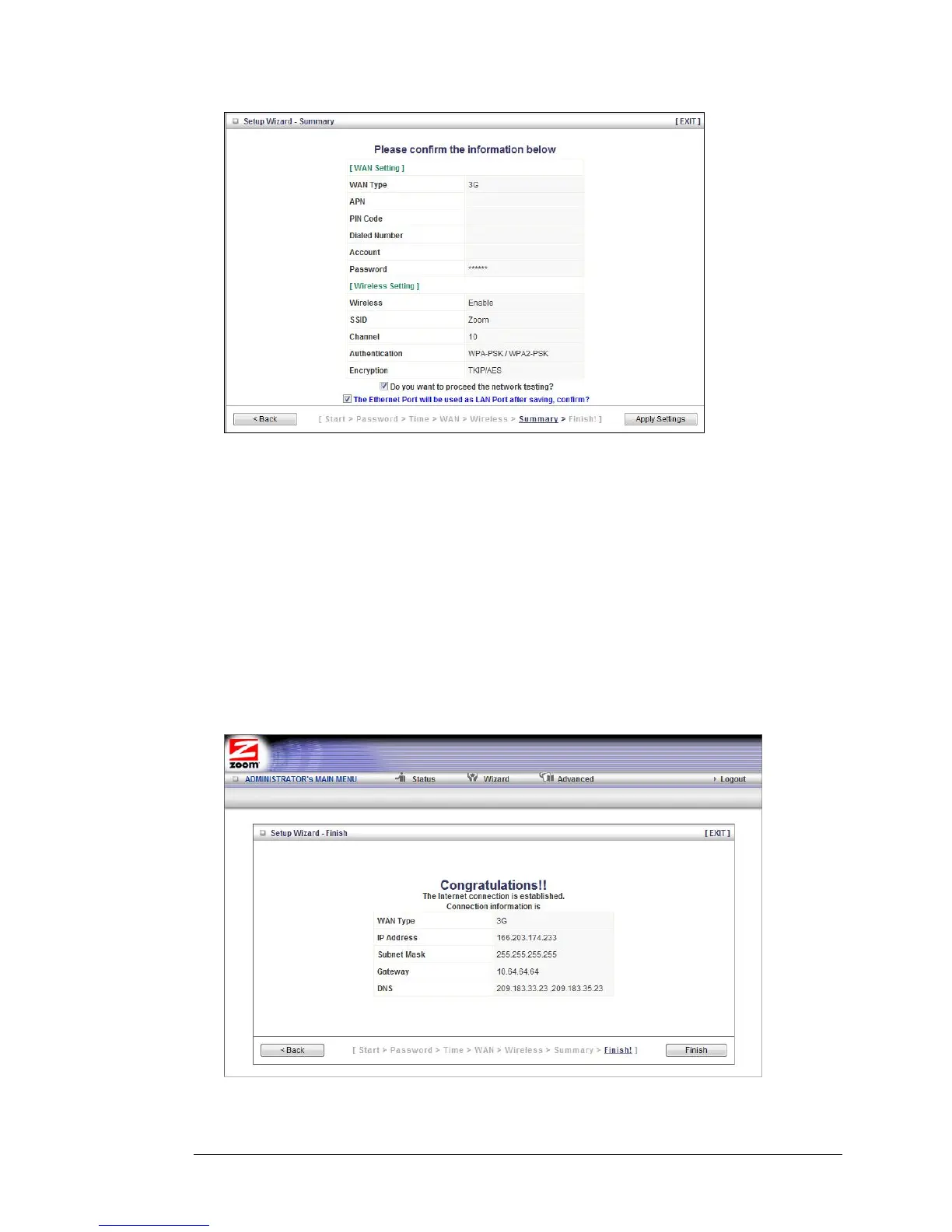
1 To edit your entries, click Back as many times as needed to access the page
for the field(s) to be edited, then click Next to continue with your edits or to
return to the updated Summary page.
2 To test the updated configuration on your network, click the checkbox next to
Do you want to proceed with the network testing?
3 To use the Ethernet port as the LAN port, click the checkbox next to The
Ethernet Port will be used as LAN Port after saving. Confirm? This option is only
available if you are using your 3G modem as your Wan type.
4 When you're satisfied with the configured settings, click Apply Settings to save
the new configuration.
Step 6. Finish
The Finish page displays the saved configuration settings for your router.
1 Click Finish to exit the Setup Wizard.
24 3G Wireless-N Router User Guide



 To Next Page