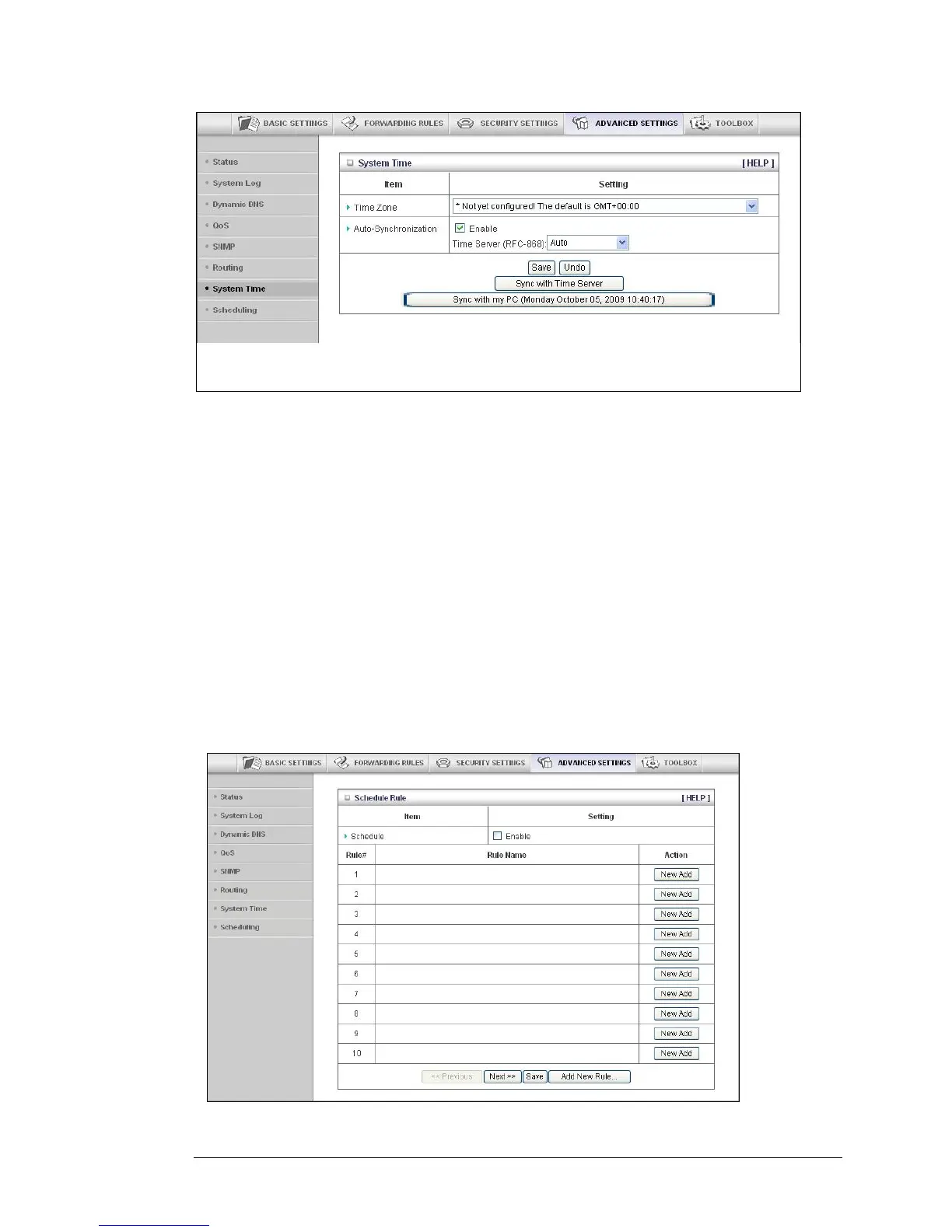
• Time Zone
Select the local time zone from the dropdown menu.
• Auto-Synchronization
Click the Enable checkbox to enable this function.
Select an item from the Time Server dropdown menu to specify the server
with which to synchronize. The default value is Auto.
• Click Sync with Time Server to set Date and Time by NTP Protocol.
• Click Sync with my PC to set Date and Time using your PC’s Date and Time
The Schedule Rule and Schedule Rule Setting Pages
You can use the Schedule Rule and Schedule Rule Setting pages to define when services
will be turned on and off based on rules that you define.
1 On the Schedule Rule page, click the Enable checkbox to enable the scheduling rules,
which are defined on the Schedule Rule Setting page.
Chapter 5: Using the Configuration Manager's Advanced Program 55



 To Next Page