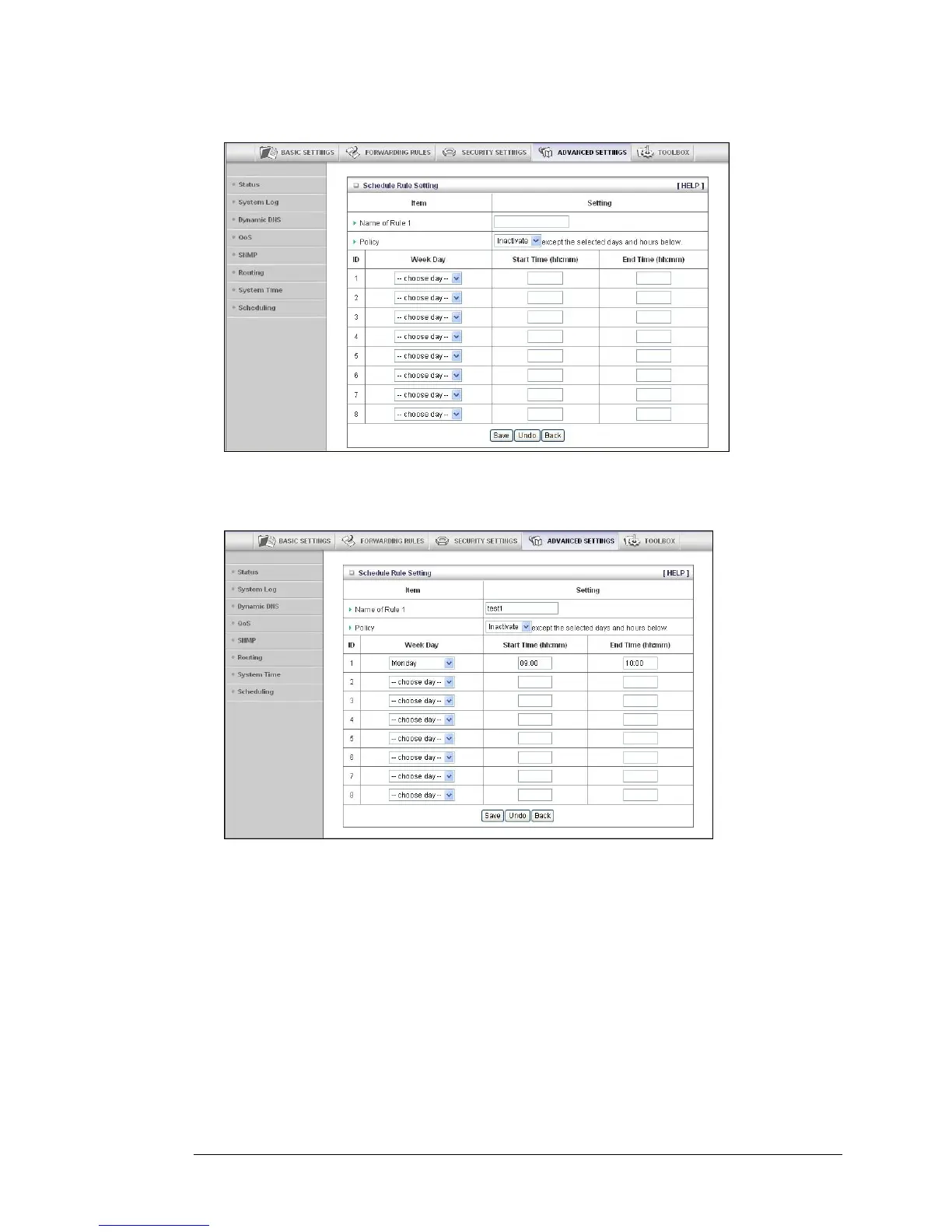
2 Click Add New Rule to open the Schedule Rule Setting page.
3 On the Schedule Rule Setting page, specify a Rule name, a Policy that defines whether the
rule is Active or Inactive, Week Day and the Start Time and End Time for each rule that you are
creating.
4 Click Save for each rule that you create.
5 Click Back to return to the Schedule Rule page.
When the Schedule Rule page opens, the rule(s) that you created and saved
appear in the Rule Name column.
56 3G Wireless-N Router User Guide



 To Next Page