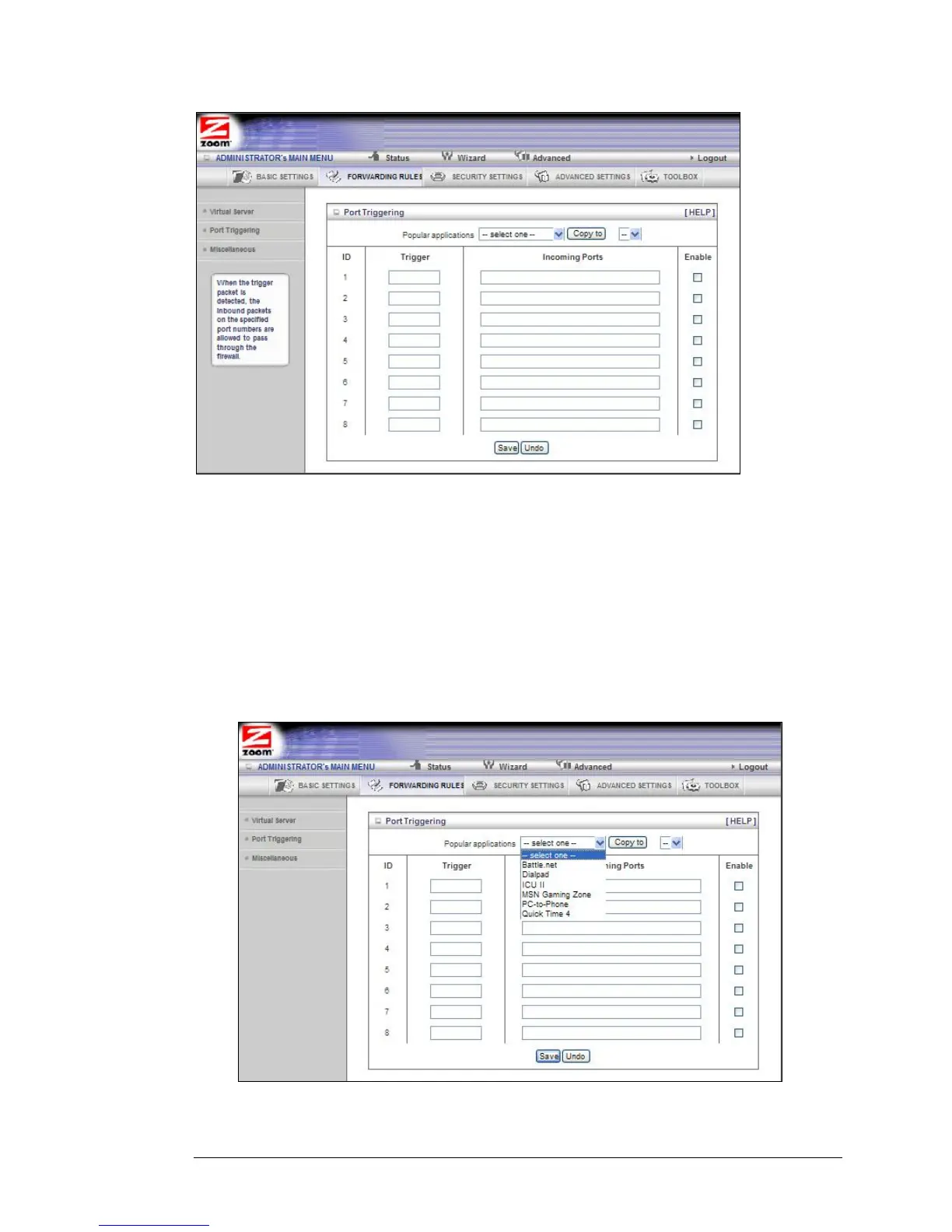
• Trigger
The outbound port number used by the application.
• Incoming Ports
When the trigger packet is detected, the inbound packets sent to the
specified port numbers are allowed to pass through the firewall.
• Enable
Enables access for the specified application.
• Popular applications
Provides a menu of applications from which to choose. Select an application
and click Copy to to add the application to your list.
Click Save to store your selections or Undo to remove the entries.
Chapter 5: Using the Configuration Manager's Advanced Program 43



 To Next Page