Event Log
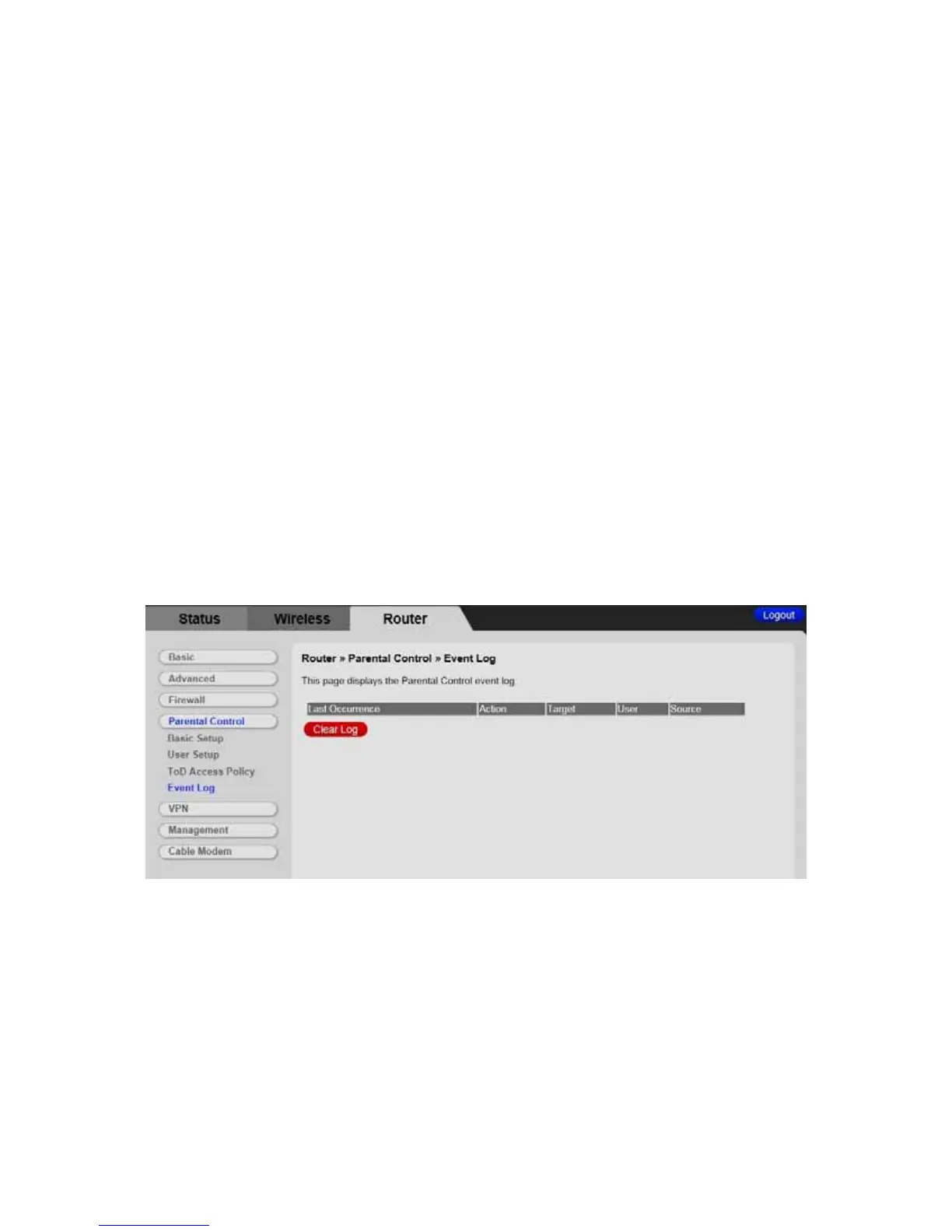
The Event Log page shows you the events related to the settings of Parental Control.
This table is a running list of the last 30 Parental Control access violations that include
the following items on Internet traffic:
• If the user's internet access is blocked. (time filter)
• If a blocked keyword is detected in the URL.
• If a blocked domain is detected in the URL.
• If the online lookup service detects that the URL falls in a category that is
blocked.
To access the Event Log page:
1 Click the Router menu tab.
2 Then click the Parental Control /Event Log submenu.
Figure 30 shows an example of the menu.
Figure 30. Example of Event Log Page
111



 To Next Page