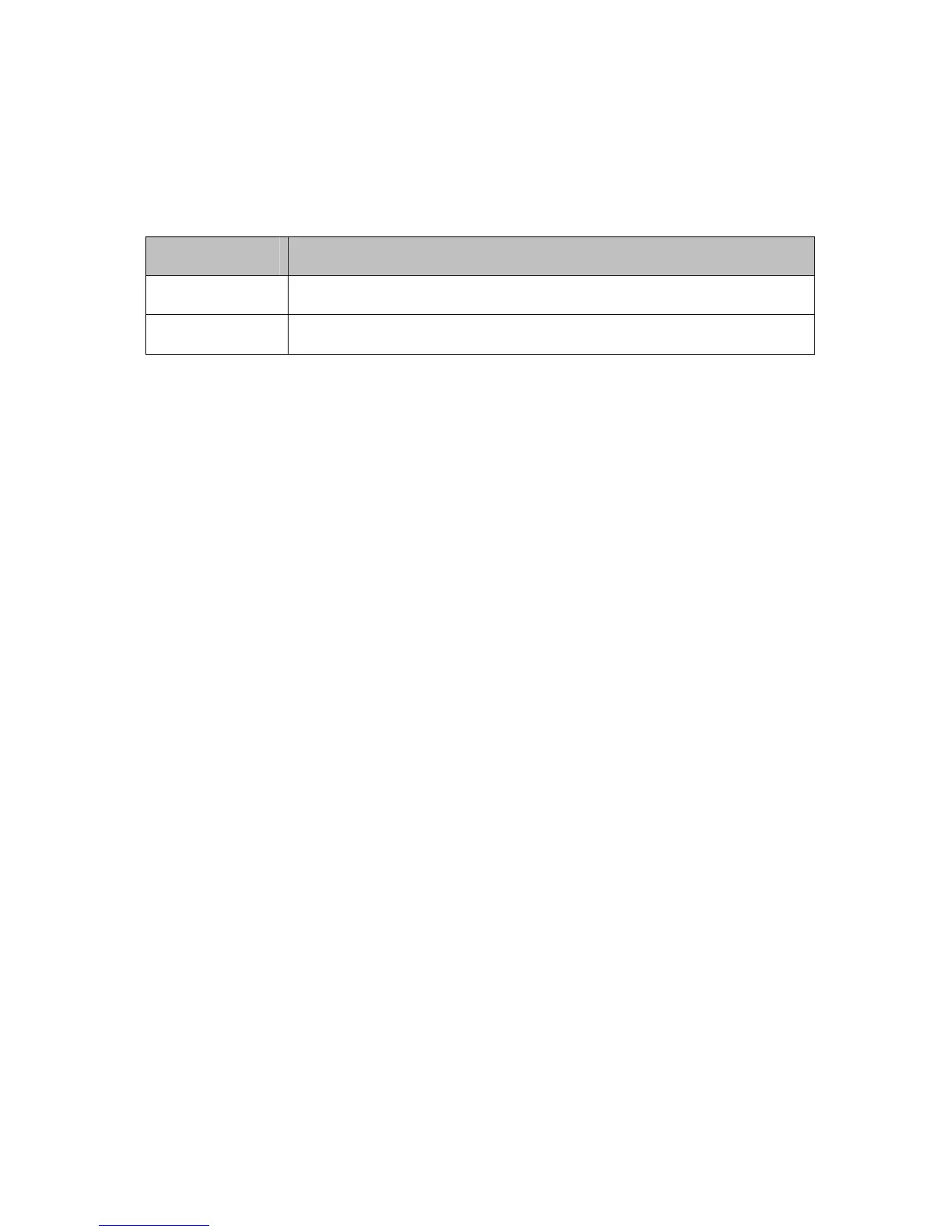
Table 18. Port Filtering Menu Option
Option Description
Enters the start and end port of the port filter range
Start/End Port
Filter either both TCP and UDP traffic or just UDP or just TCP.
Protocol
Port Forwarding
The Port Forwarding page allows you to run a publicly accessible server from your LAN
by specifying the mapping of TCP/UDP ports to a local PC. It allows incoming requests to
specific port numbers to reach a web server, FTP server, mail server, etc.
To access the Port Forwarding page,
1 Click the Router menu tab.
2 Then click the Advanced/Forwarding submenu.
3 To add a new rule, click on the Create IPv4 Rule button.
Figure 19 shows an example of the menu and
83



 To Next Page