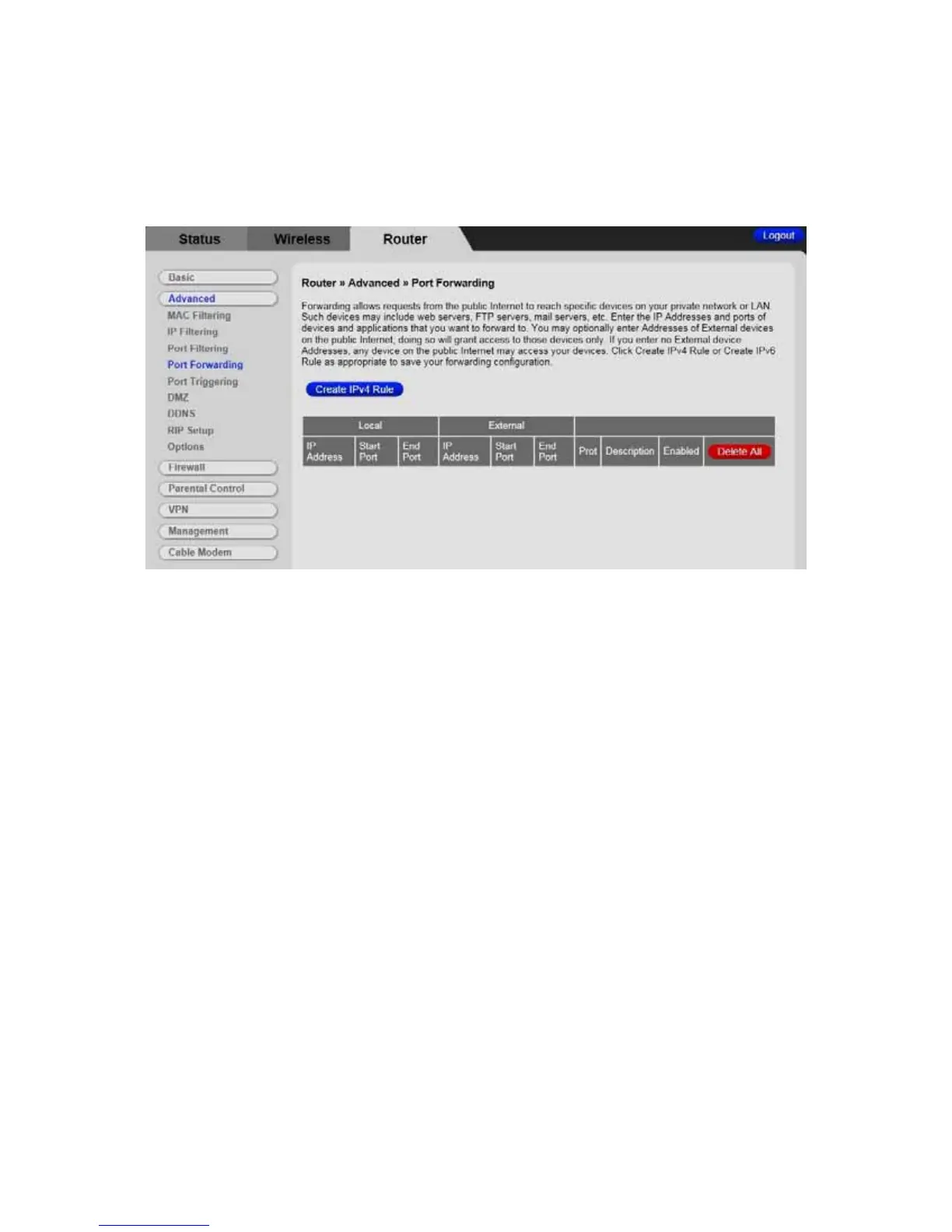
Table 19 describes the items you can select.
Figure 19. Example of the Port Forwarding Page
To activate the port forwarding:
1 Enter the port range of the Internet traffic that you want to forward, and the IP
address of the server to which you want to forward that traffic. If you enter no
External device on the public internet; doing so will grant access to those devices
only.
2 Select the protocol(s) to be forwarded.
3 Enter the Description name.
4 Select ON for the Enable box to enable Port Forwarding rule.
5 Click the Apply button to activate the forwarding rules.
84



 To Next Page