DDNS
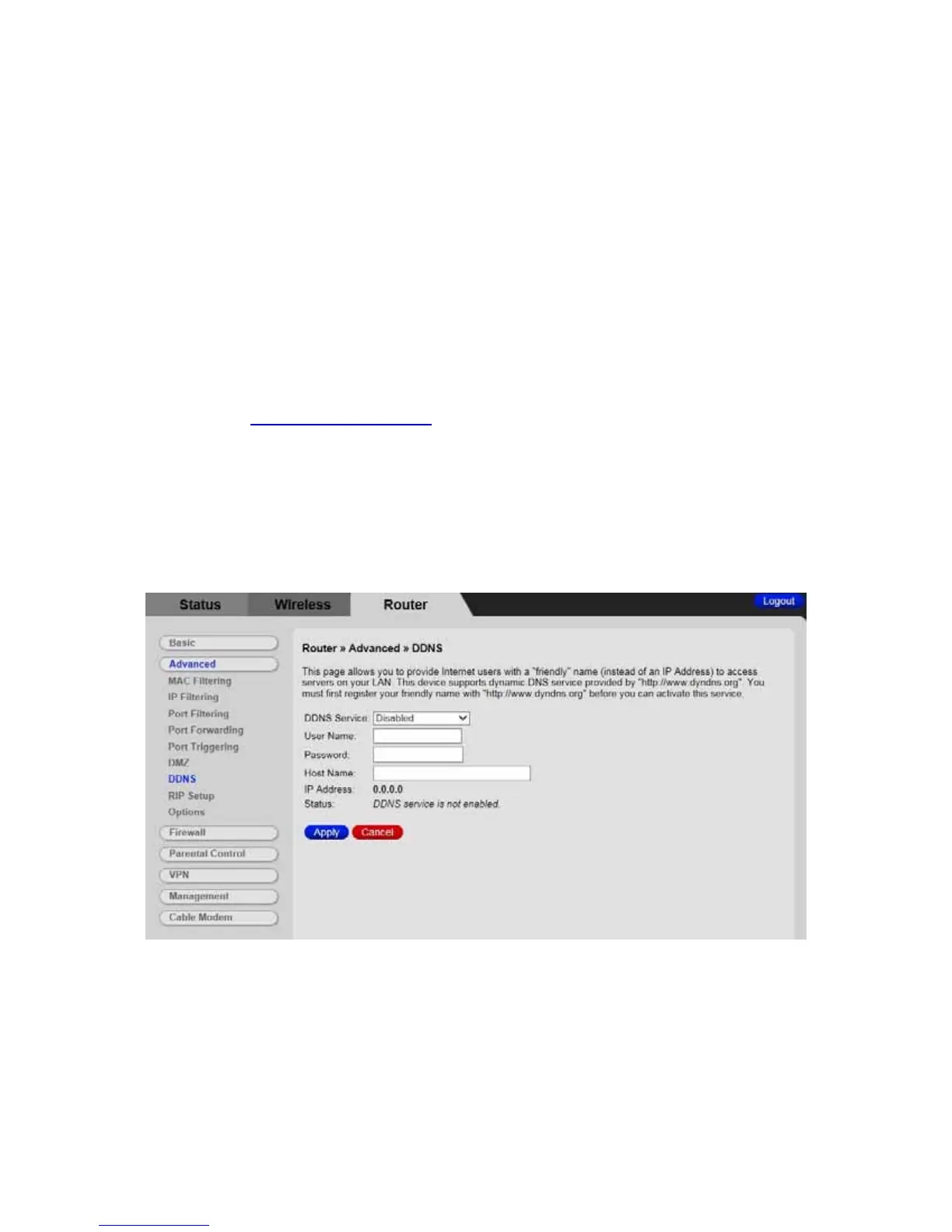
The DDNS page allows you to make use of a DDNS server. Dynamic DNS (DDNS)
allows a dynamic IP address to be aliased to a static, pre-defined host name so that the
host can be easily contacted by other hosts on the internet even if its IP address
changes. This means you can host a server on your LAN that can be accessed from
anywhere on the Internet.
Caution: Some service providers may consider connection of such a server to be a
breach of your service agreement.
The Cable Modem/Router supports a dynamic DNS client compatible with the Dynamic
DNS service (
http://www.dyndns.com/). You must sign up with this service if you want to
use it.
To access the DDNS page:
1 Click Router in the menu tab.
2 Then click the Advanced/DDNS submenu.
Figure 22 shows an example of the menu and Table 21 describes the items you can
select.
Figure 22. Example of DDNS Page
89



 To Next Page