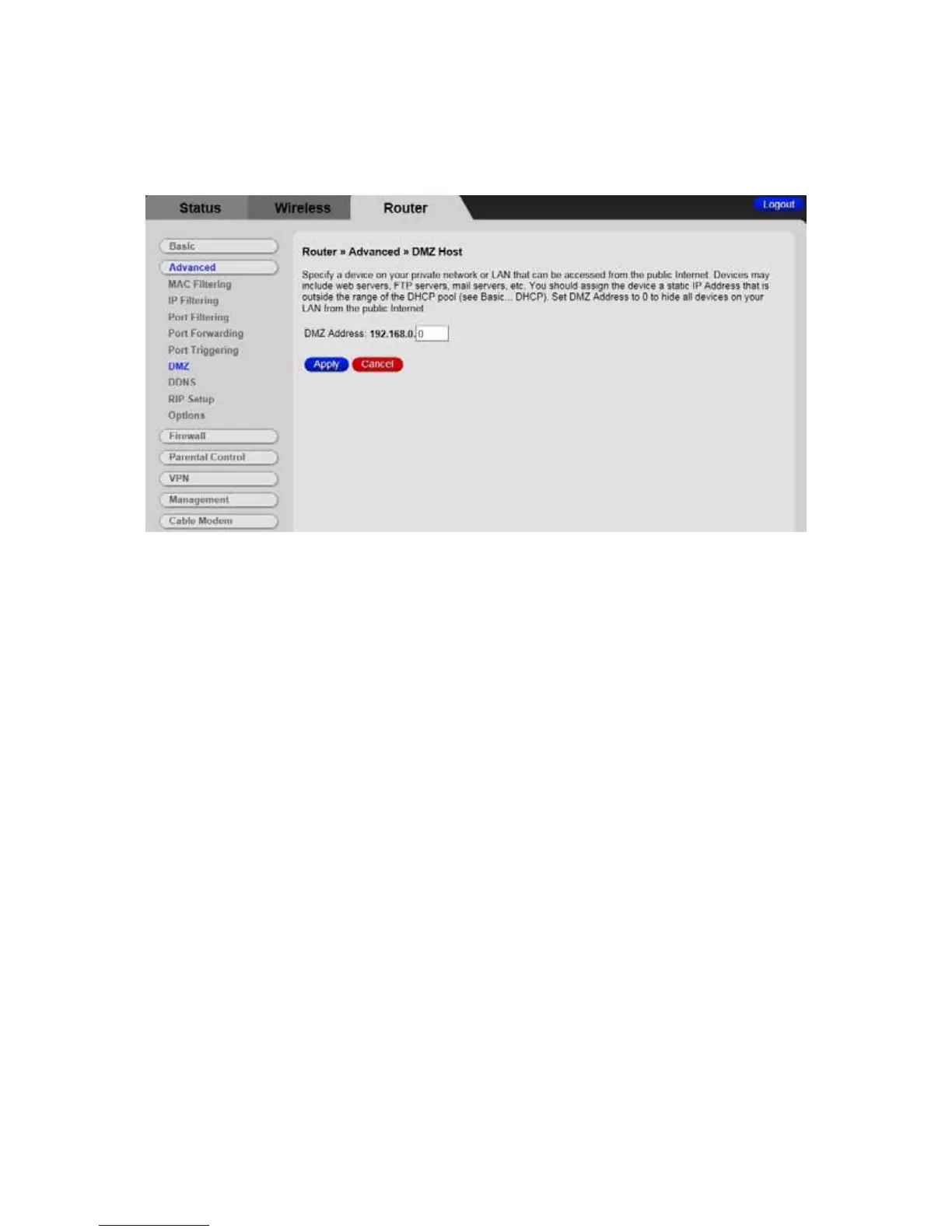
Figure 21. Example of DMZ Host Page
To configure DMZ settings:
1 Enter the last byte of the LAN IP address of the PC or other device on your network
that you want to configure as a DMZ host.
2 Click Apply.
Note: If a specific PC is set as a DMZ Host, remember to set this back to “0” when
finished with the needed application, since this PC will be effectively exposed to the
public Internet.
Note: You may need to assign your DMZ host a static IP address on your LAN to
insure that it will always be at that address.
88



 To Next Page