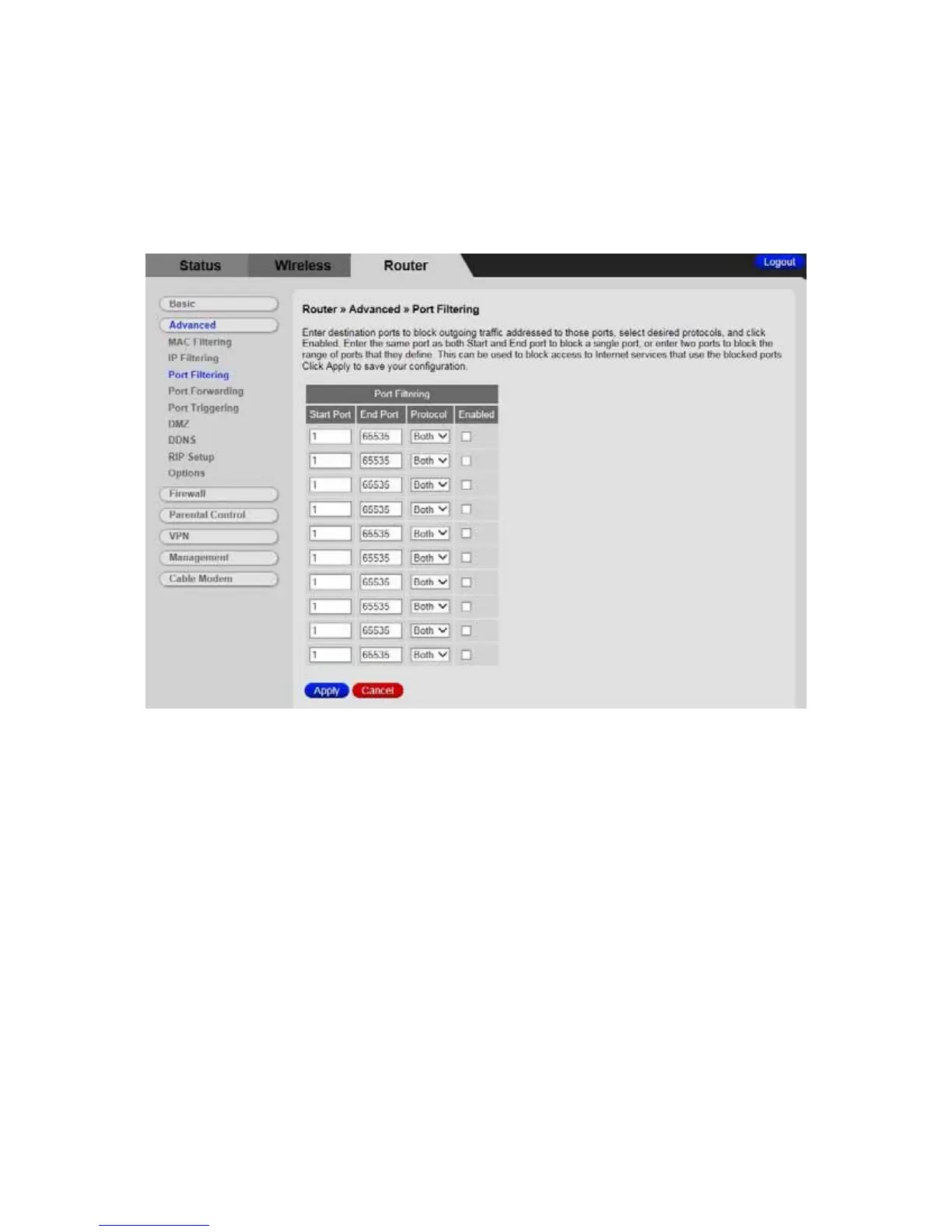
Table 18 describes the items you can select.
Figure 18. Example of Port Filtering Page
For example, if you would like to block all PCs on the private LAN from accessing HTTP
sites (or “web surfing”):
1 Set the Start Port to 80, the End Port to 80.
2 Set the protocol to TCP.
3 Check the Enable box to the right of the entry to store settings.
4 Click Apply button to activate the filter rules.
82



 To Next Page