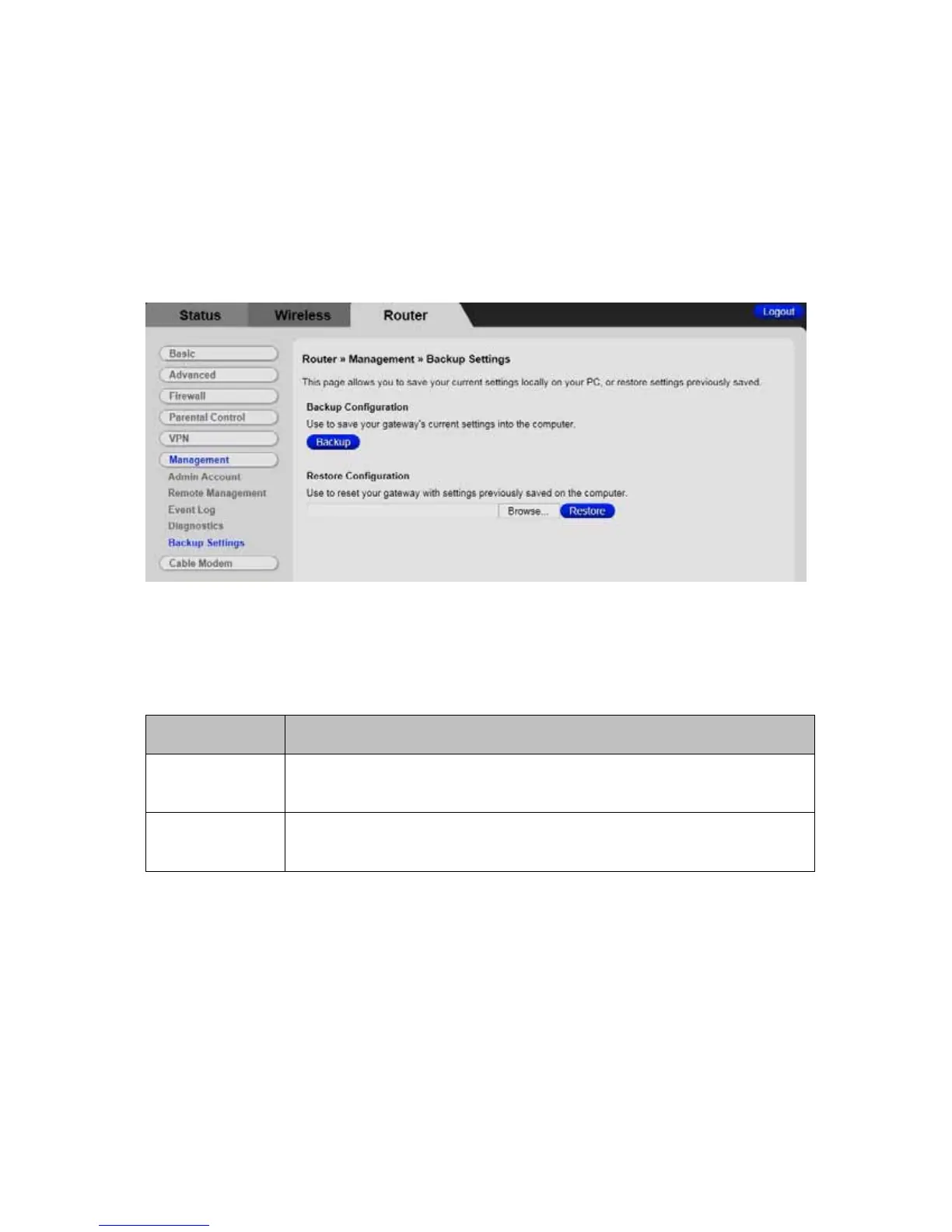
Figure 40 shows an example of the menu and Table 39 describes the items you can
select.
Figure 40 Example of Backup/Settings Page
Table 39 Backup/Restore Settings Menu Option
Option Description
Click the Backup button to save your Cable Modem/Router’s current
settings locally on your PC.
Backup
Browse the restore file and Click the Restore button to restore
settings previously saved.
Restore
130



 To Next Page