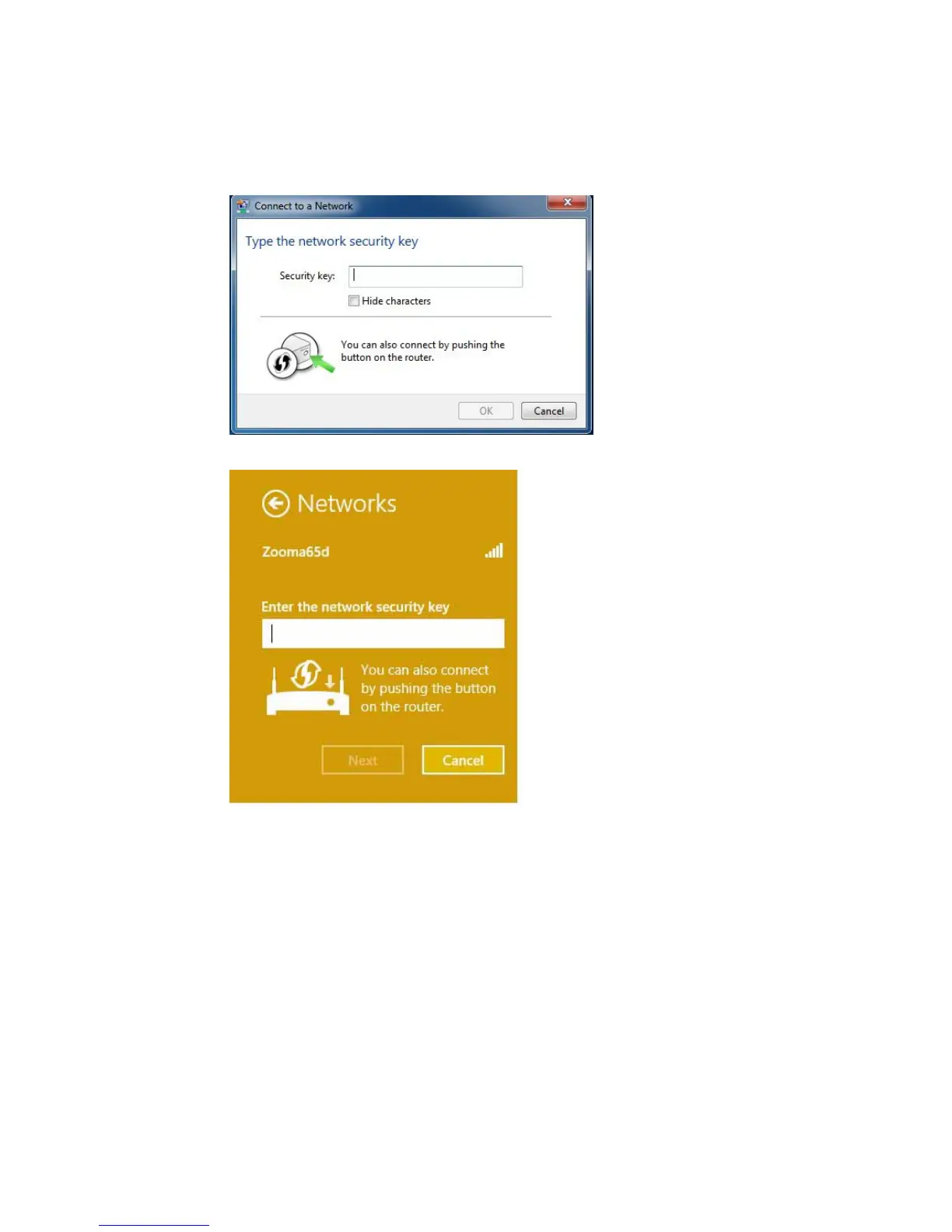
Windows 7
Windows 8.1 or Windows 8
5 Press the Wi-Fi Protected Setup (WPS) button on the router for at least 3 seconds.
(You do not need to type a security key or passphrase in the Security key text box on
your Windows machine). The Cable Modem/Router will automatically set up the
computer to connect to the network and apply the network's security settings.
When asked “Do you want to turn on sharing between PCs and connect to
devices on this network?” Click Yes to enable sharing and No to disable sharing.
Sharing sets up your firewall to allow other users on your network to share files,
25



 To Next Page