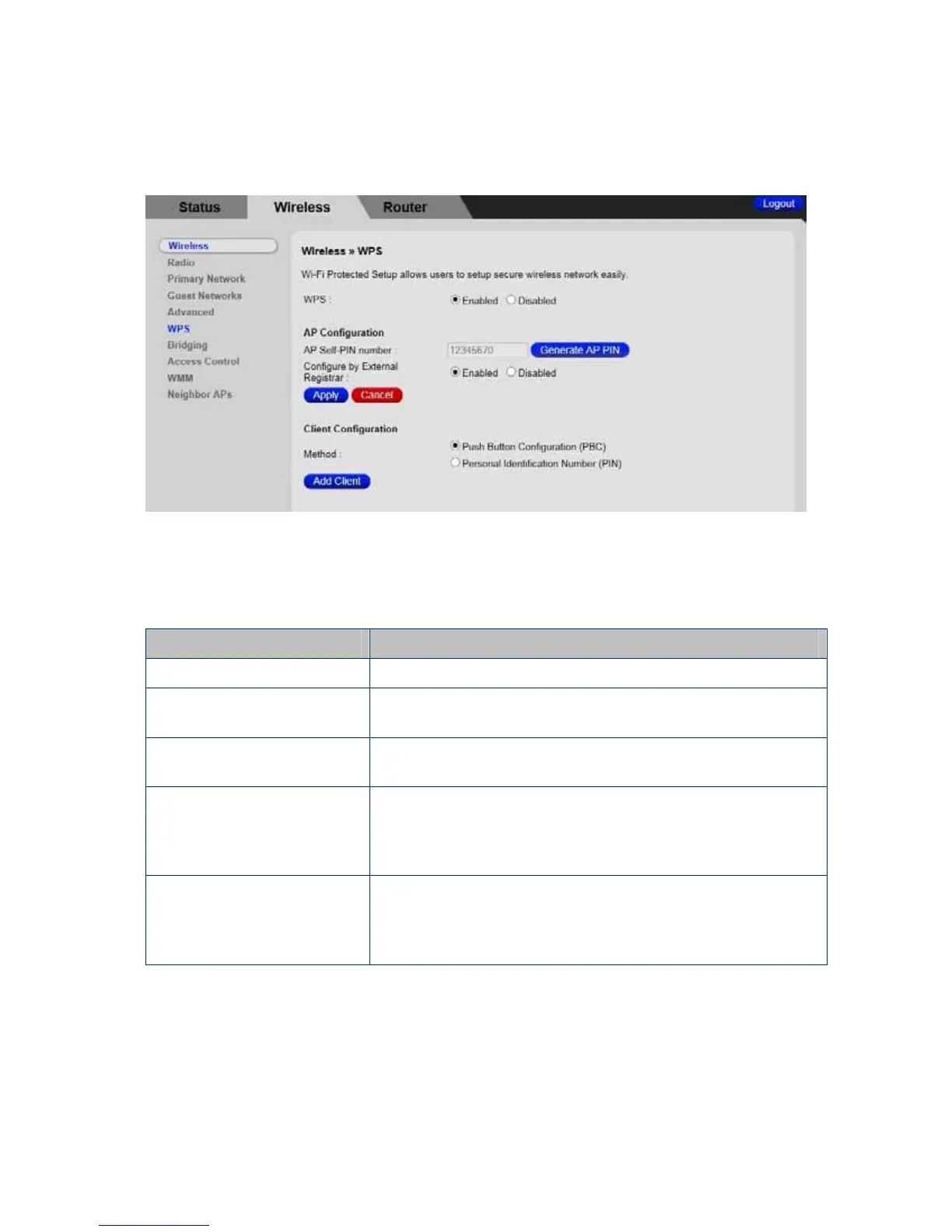
Figure 7 Example WPS page
Table 7 WPS Menu Options
Option
Description
WPS
Disable or enable WPS. WPS does not work with WEP.
AP Self-PIN number:
Click the Generate AP PIN button to generate new PIN
number.
Configure by External
Registrar
Default is enabled.
Push-Button
Configuration (PBC)
Select this option and press the Add Client button is
equivalent to pushing the WPS button on your Cable
Modem/Router. After clicking the Add Client button, within
2 minutes, activate WPS on your client device(s).
Personal Identification
Number (PIN)
Select this option and press the Add Client button to allow
Client PIN number field appear. For devices that require a
PIN, enter the PIN in the Client PIN’s number field, and
then click Add Client button.
61



 To Next Page