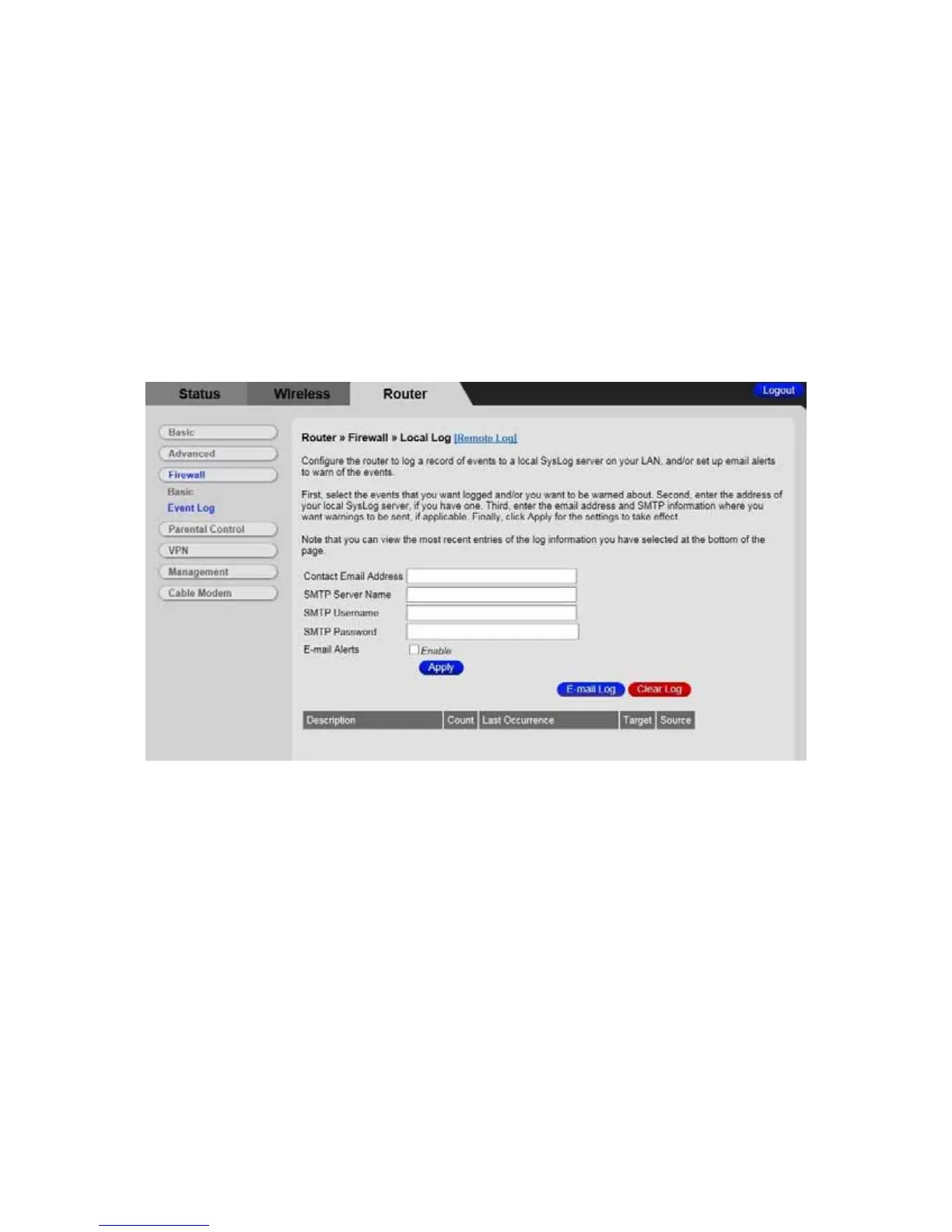
To enable the automatic email alerts:
1 Configure the email address you want to send alerts to. You also need to configure
the email account you will send from (this may be the same account). This includes
the SMTP (outgoing)/ mail server address, together with username and password.
You may need to contact your service provider to find the information.
2 Check the Enable box and click the Apply button.
Figure 26. Example of Event Log Page
98



 To Next Page