Updating the Firmware
• Whenthe hasnishedupdating,“COMPLETE!”appearsonthedisplay.
• DisconnecttheUSBcable.
3
To complete updating
• Updatingthermwareversionwillnoterasesavedpatches.
HINT
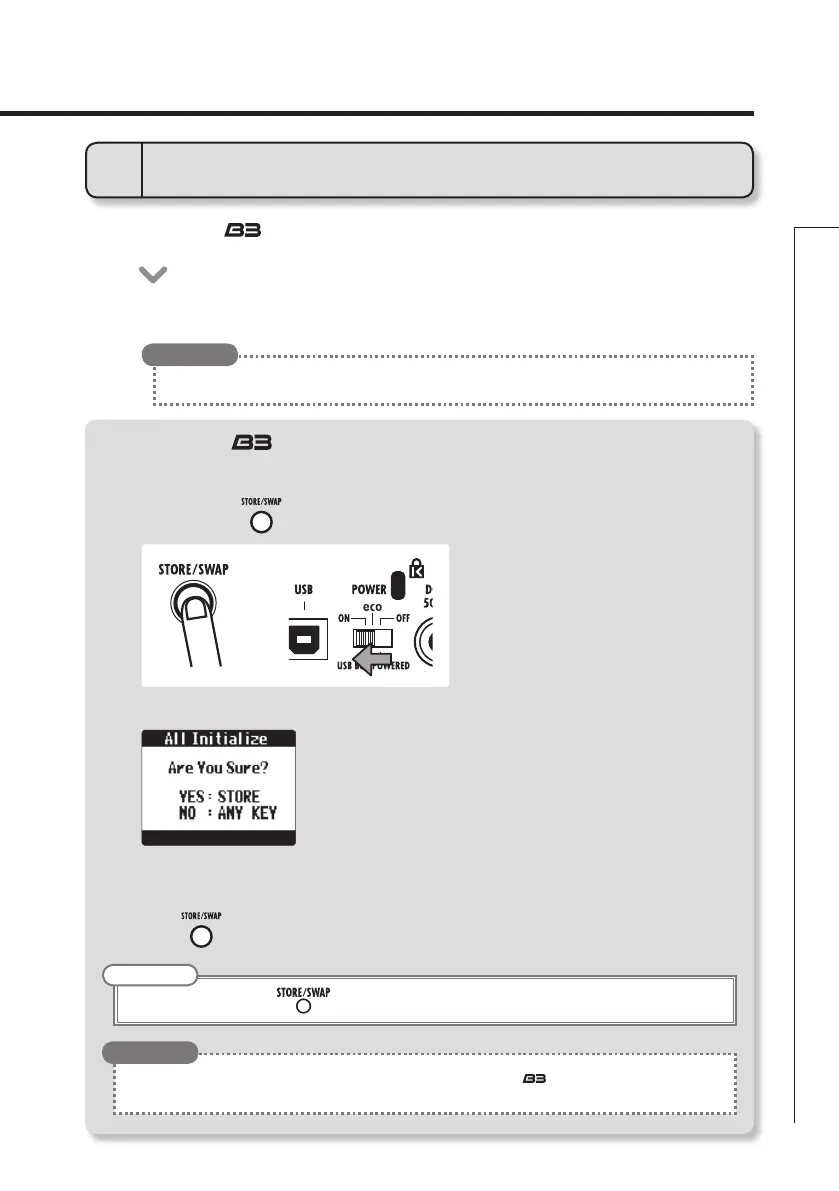
Restoring the to its factory default settings.
1. To use the All Initialize function
2. To execute the All Initialize function.
• Whilepressing,setthePOWERswitchtoON.
• TheAllInitializescreenappears.
• Executing theAllInitializefunction willrestoreallthe settingsofthe , including its patches, to factory
defaults. Do not use this function unless you are certain that you want to do this.
HINT
NOTE
• Pressanykeyotherthantocancel.
• Press.
VERSION UPDATE



 To Next Page