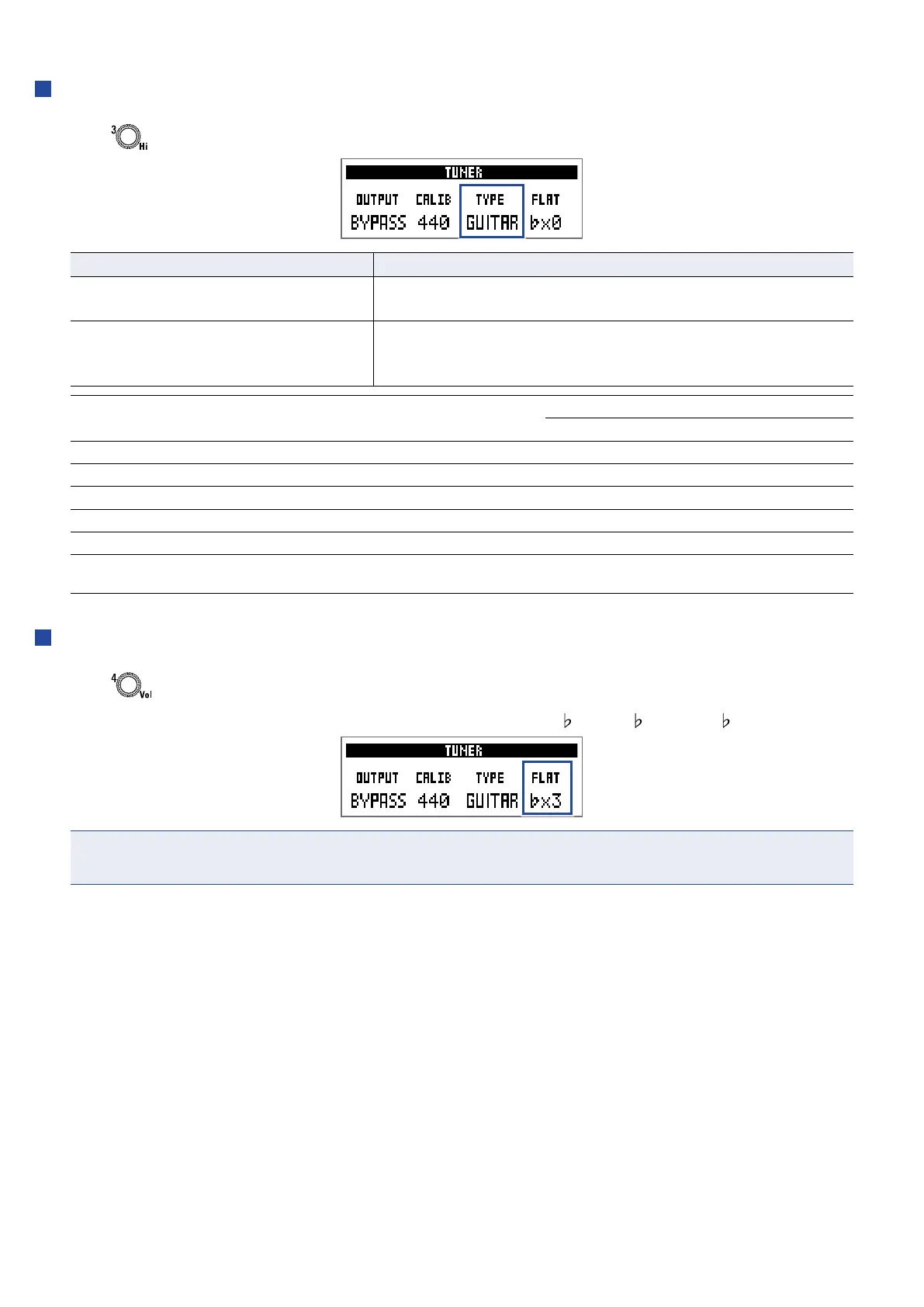
Setting the tuner type
1.
Turn .
Setting Explanation
CHROMATIC
The pitch detuning is shown according to the nearest note (in
semitones).
Other tuner types
The nearest string number is shown according to the selected
type, and the amount of detuning from its pitch is shown. The
following tuner types can be selected.
Display Explanation
String number/note
7 6 5 4 3 2 1
GUITAR Standard guitar tuning with a 7th string B E A D G B E
OPEN A Open A tuning (open strings play A chord) – E A E A C# E
OPEN D Open D tuning (open strings play D chord) – D A D F# A D
OPEN E Open E tuning (open strings play E chord) – E B E G# B E
OPEN G Open G tuning (open strings play G chord) – D G D G B D
DADGAD
Alternate tuning often used for tapping and other tech-
niques
– D A D G A D
Using at tunings
1.
Turn .
All strings can be tuned at from an ordinary tuning by one (
×1), 2 ( ×2) or 3 ( ×3) semitones.
NOTE
Flat tuning cannot be used when the tuner type is “CHROMATIC”.
42



 To Next Page
 Loading...









