12
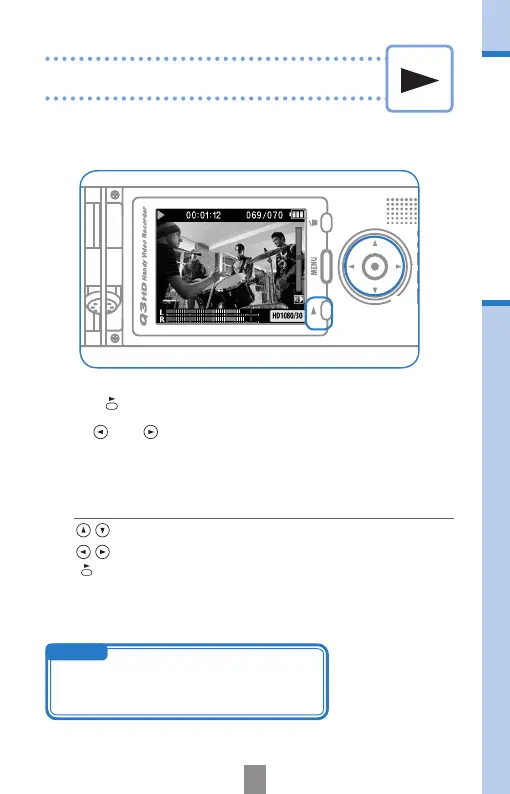
Playing recordings
Turn the unit sideways to play back recorded audio and video.
1.
Press when on the main operation screen.
2.
Use and to select a different le to play
Playing recordings
Functionsofotherbuttons
•
Adjust volume
•
Press and hold during playback to search backward/forward.
•
Press to pause during playback and restart when paused.
1,2
2
NOTE
Only les that have been recorded with the Q3HD
can be played back.



 To Next Page