4
Part functions
■
Inserting batteries
Note: Use alkaline batteries or
rechargeable NiMH batteries.
Open the case while
pressing here and then
insert the batteries.
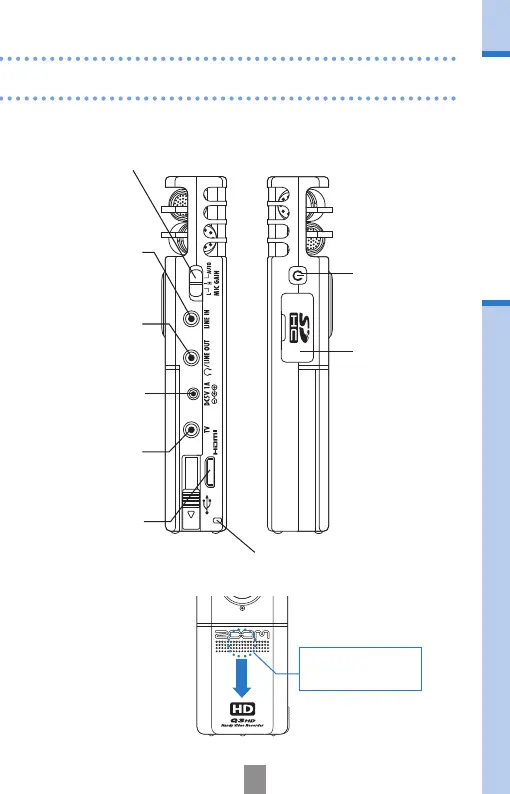
Set the mic gain to one of three levels.
(L = low sensitivity, H = high sensitivity, AUTO = automatic)
Turn the power
ON/OFF.
Input sound from
an external device.
Output sound to
headphones or
external equipment.
A ZOOM AD-14
AC adapter (sold
separately) can be
connected here.
Output analog
video and audio to
a TV, for example.
Output digital video
and audio to an
HDMI-compatible
TV, for example.
Attach strap here to help prevent
the unit from being dropped.
Insert an SD or
SDHC card into
this slot.



 To Next Page