19
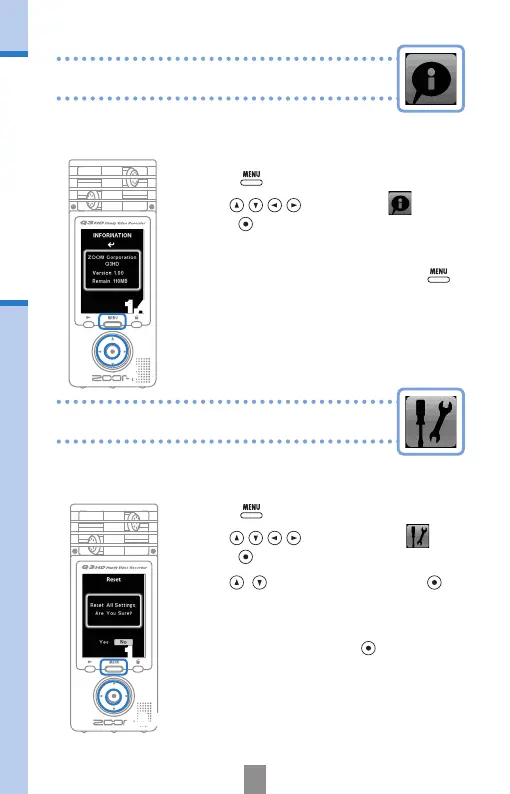
Viewing information
Resetting the unit
You can check the rmware version and remaining
recordable memory.
Viewing information
1,4
2
The unit can be reset to the settings, including
SCENE and video and audio quality, it had when
it was shipped from the factory.
Resetting the unit
2,3,4
1.
Press to open the Main Menu.
2.
Use to select
SETTING
and
press
.
3.
Use to select
Reset
and press .
4.
When the conrmation screen opens,
select “Yes” to execute the change or “No”
to cancel, and then press
.
1
1.
Press to open the Main Menu.
2.
Use to select
INFO
and
press
.
3.
Check the information.
4.
When you are done checking, press .



 To Next Page