15
Editing recordings
Editing recordings
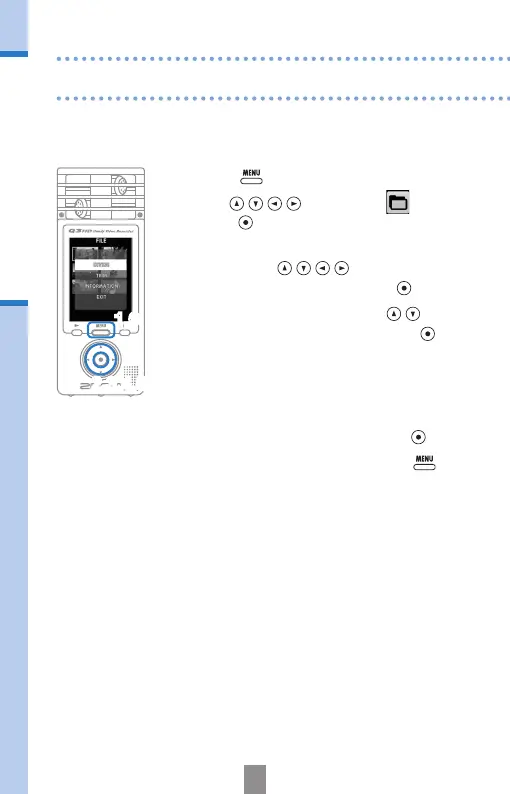
Recorded video and audio les can be divided and trimmed.
1.
Press to open the Main Menu.
2.
Use to select
FILE
and
press
.
3.
Thumbnails of the recorded les are
shown. Use
to select a le
that you want to edit and press
.
4.
The editing menu opens. Use to
select the item you want and press
.
• See the following page for the editing
options.
5.
After editing, a reconrmation screen
opens. Select “Yes” to execute the change
or “No” to cancel, and then press
.
6.
When you are done editing, press .
2,3,4,5
1,6



 To Next Page