14
Erasing recordings
■
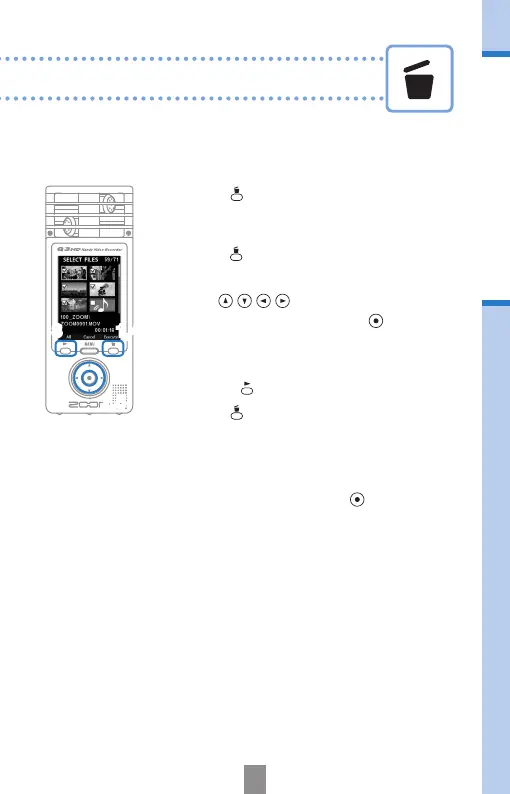
Erasing multiple recordings at the same time
1.
Press when on the main operation
screen or while playing to open the
“Delete this le?” conrmation screen.
Press
again to open the video
selection screen
2.
Use to select a recording that
you want to erase and press
.
3.
Repeat Step 2 as many times as necessary
to select other les that you want to erase.
• Press to select all les.
4.
Press when you are done selecting
les.
5.
When the conrmation screen opens,
select “Yes” to erase the recordings or “No”
to cancel, and then press
.
2,5
1,43



 To Next Page