7
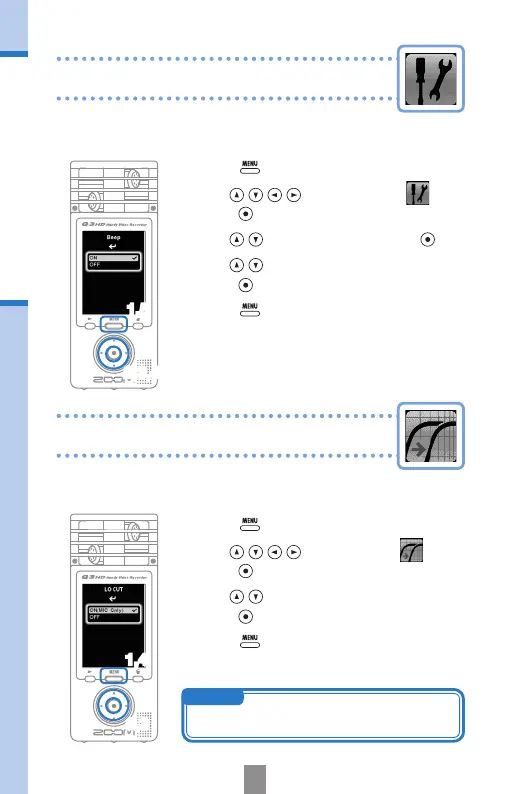
Turning operation sounds on or off
Reducing noise
Turning operation sounds on or off
2,3,4
Turn the low-cut lter function on to reduce wind
sounds and other noise.
1.
Press to open the Main Menu.
2.
Use to select
LO CUT
and
press
.
3.
Use to select
ON (MIC Only)
or
OFF
, and
press
.
4.
Press again after the setting is made.
Reducing noise
1,4
2,3
The output of beeping sounds from the Q3HD speaker at
startup and during operation can be turned on or off.
1.
Press to open the Main Menu.
2.
Use to select
SETTING
and
press
.
3.
Use to select
Beep
and press .
4.
Use to select
ON
or
OFF
, and
press
.
5.
Press again after the setting is made.
1,5
NOTE
Use the windscreen included in the APQ-3HD
accessory package to further reduce noise.



 To Next Page