17
Connecting external devices
Connecting external devices
■
Input sound from another device (LINE IN connection)
This unit can record sounds from external devices.
When an external device is connected to the LINE
IN jack, the stereo mic is disabled.
This unit can be connected to various external devices
as needed.
■
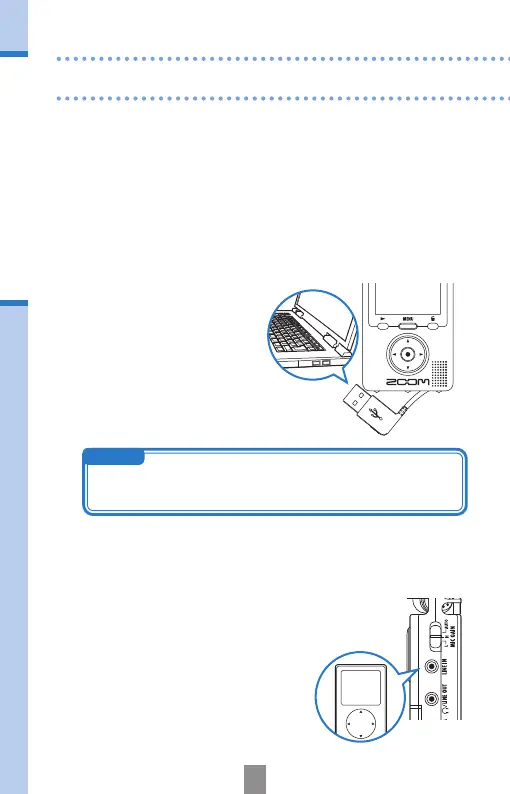
Connect to a computer (via USB) to edit and save les
and upload them to video sharing sites
With this unit’s power off, connect its built-in USB connector to a computer
running Windows or Macintosh. When connected, you can use the bundled
HandyShare software for the following functions.
• Upload to video sharing sites
• Add reverb and other effects to
audio
• Playback audio or video
• Delete or backup les
• Extract parts of selected audio
or video
NOTE
HandyShare is on the included SD card. See page 1.



 To Next Page