©2018, Zortrax S.A. All rights reserved. All trade names, logos and trademarks mentioned in the following
document are registered trademarks of Zortrax and are subject to legal protection.
24
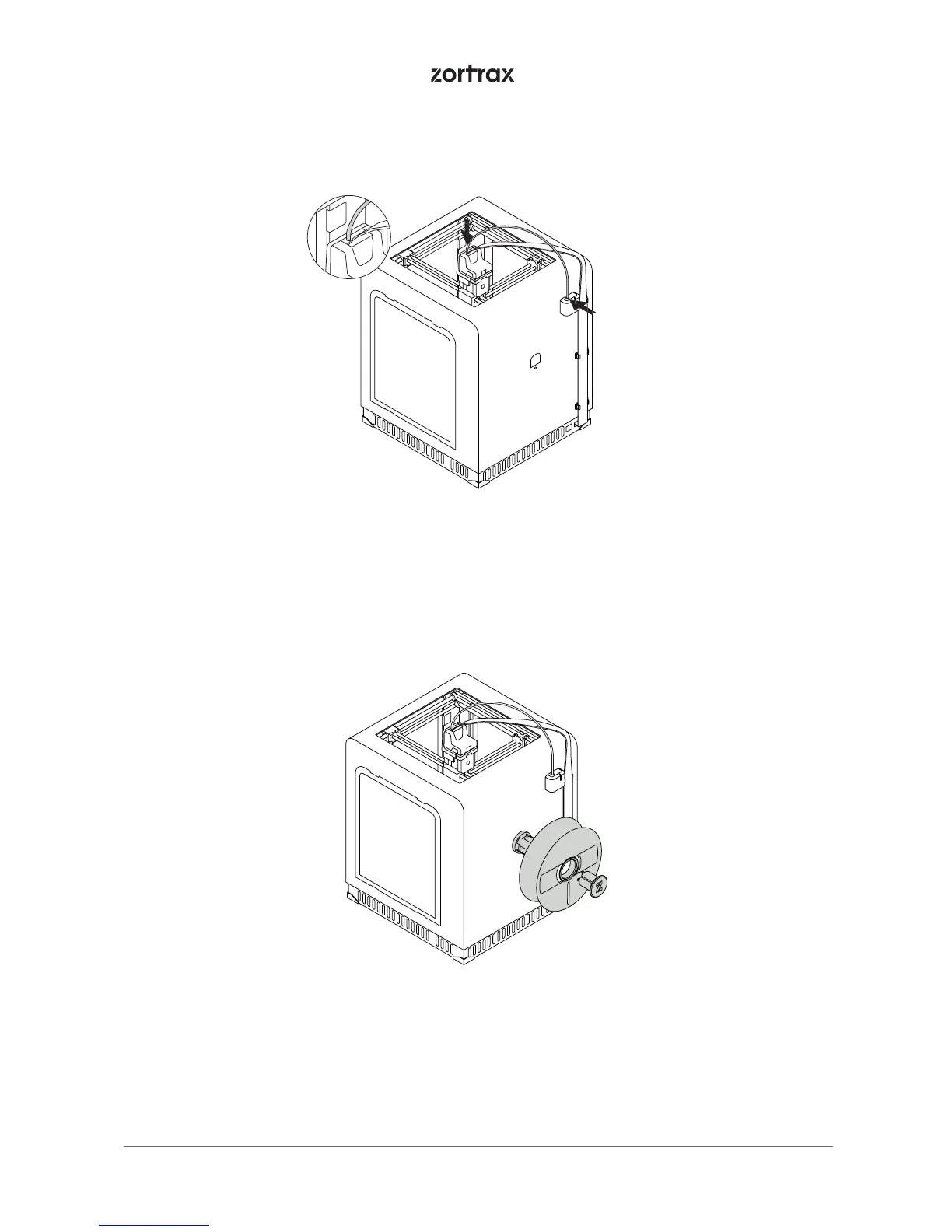
15. Attach the material guide to the extruder and to the material endstop.
16. Attach the spool holder to the back of the printer. The holder can be opened with the push-to-open
mechanism. Place the material spool onto the fixed part of the holder and press the other part until you
hear a click.



 To Next Page