©2018, Zortrax S.A. All rights reserved. All trade names, logos and trademarks mentioned in the following
document are registered trademarks of Zortrax and are subject to legal protection.
27
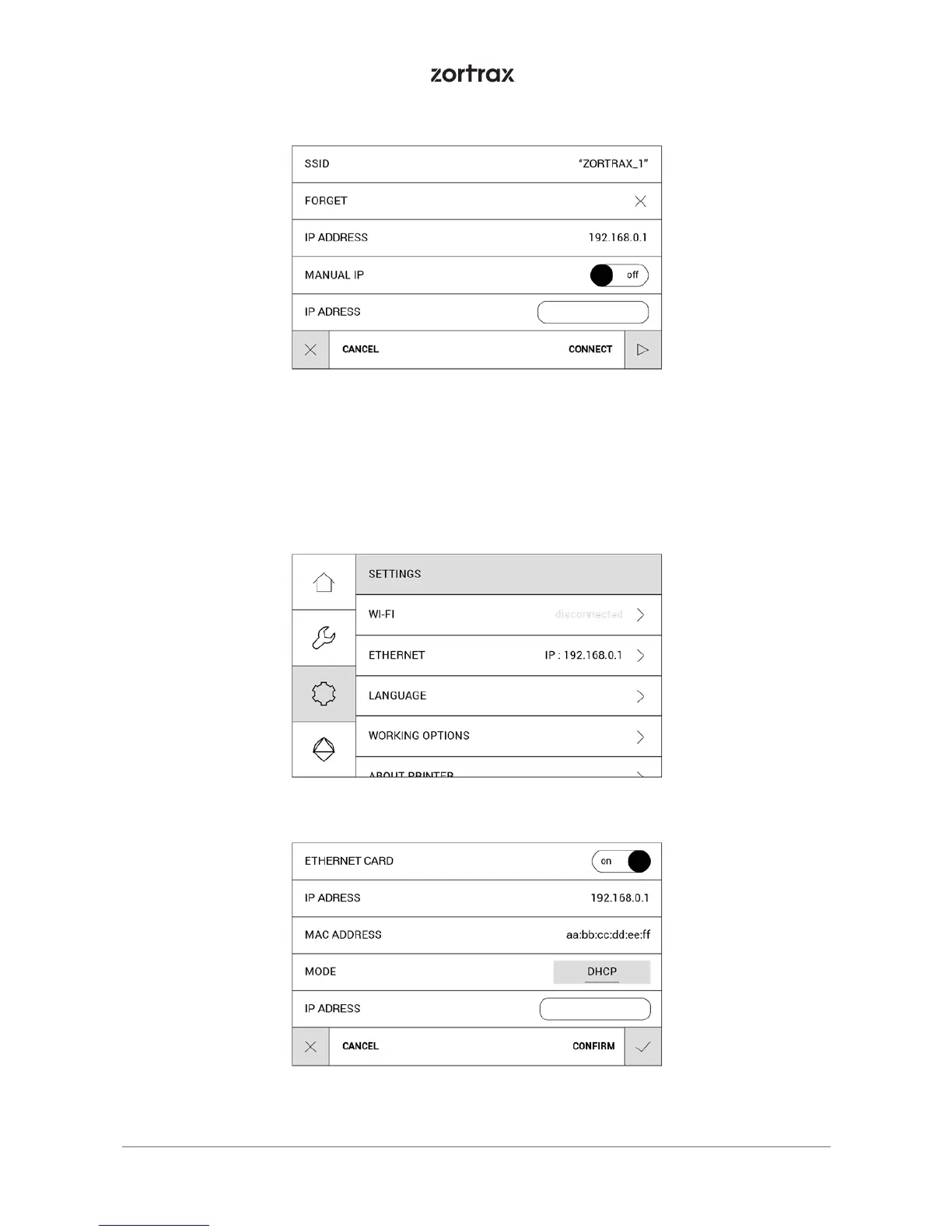
To connect the printer with an Ethernet cable, create a local network and connect the
router/modem/switch to the printer. The connection will be established automatically.
You can control the Ethernet connection settings in the main menu; select Settings and
Ethernet.



 To Next Page