©2018, Zortrax S.A. All rights reserved. All trade names, logos and trademarks mentioned in the following
document are registered trademarks of Zortrax and are subject to legal protection.
28
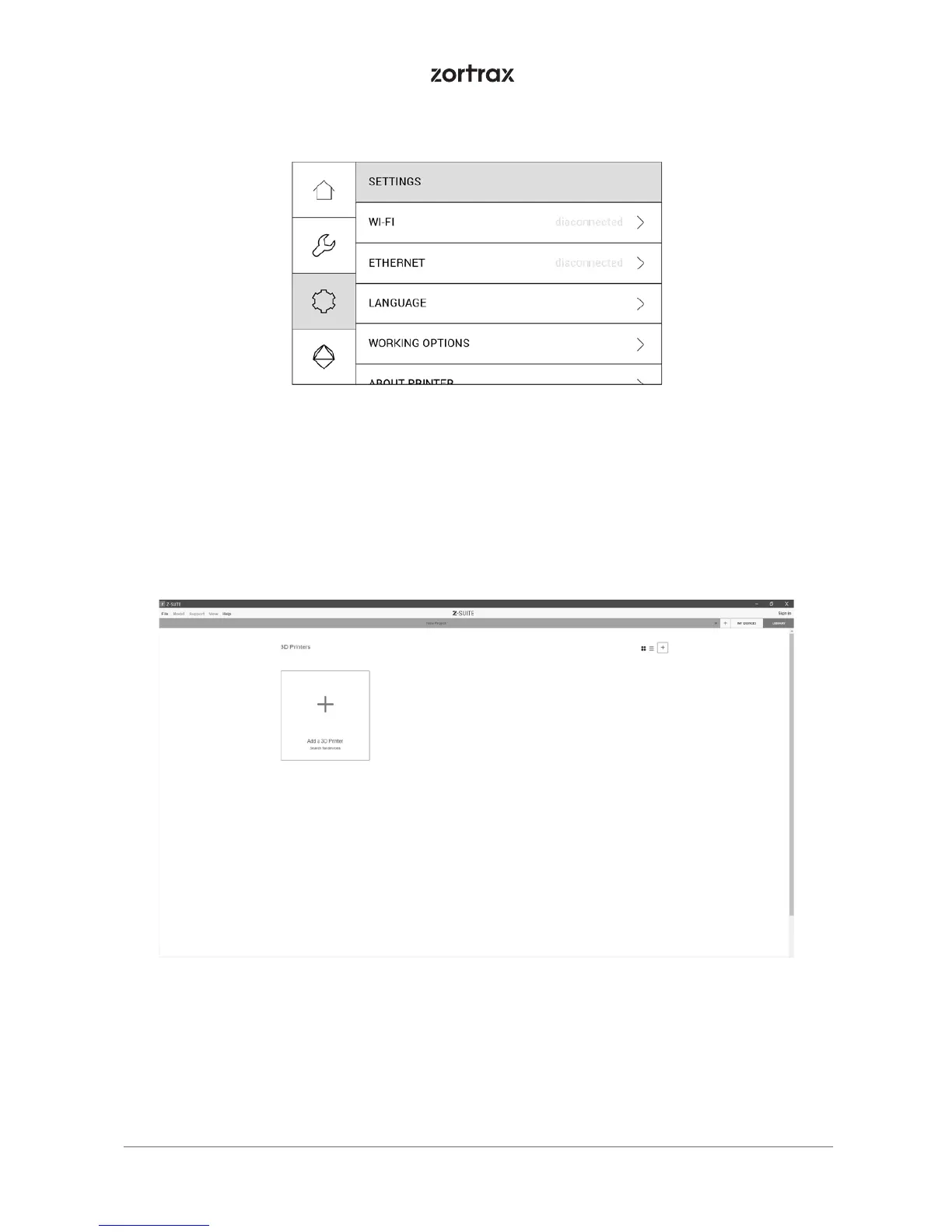
Once your printer is connected to the network, open the My Devices panel in Z-SUITE. You
can search for devices available in the local network and add them to the program’s panel.
Select the icon with your printer’s IP address and click on it to add the printer to the panel.
You can also add a printer manually by typing its IP address.



 To Next Page