©2018, Zortrax S.A. All rights reserved. All trade names, logos and trademarks mentioned in the following
document are registered trademarks of Zortrax and are subject to legal protection.
29
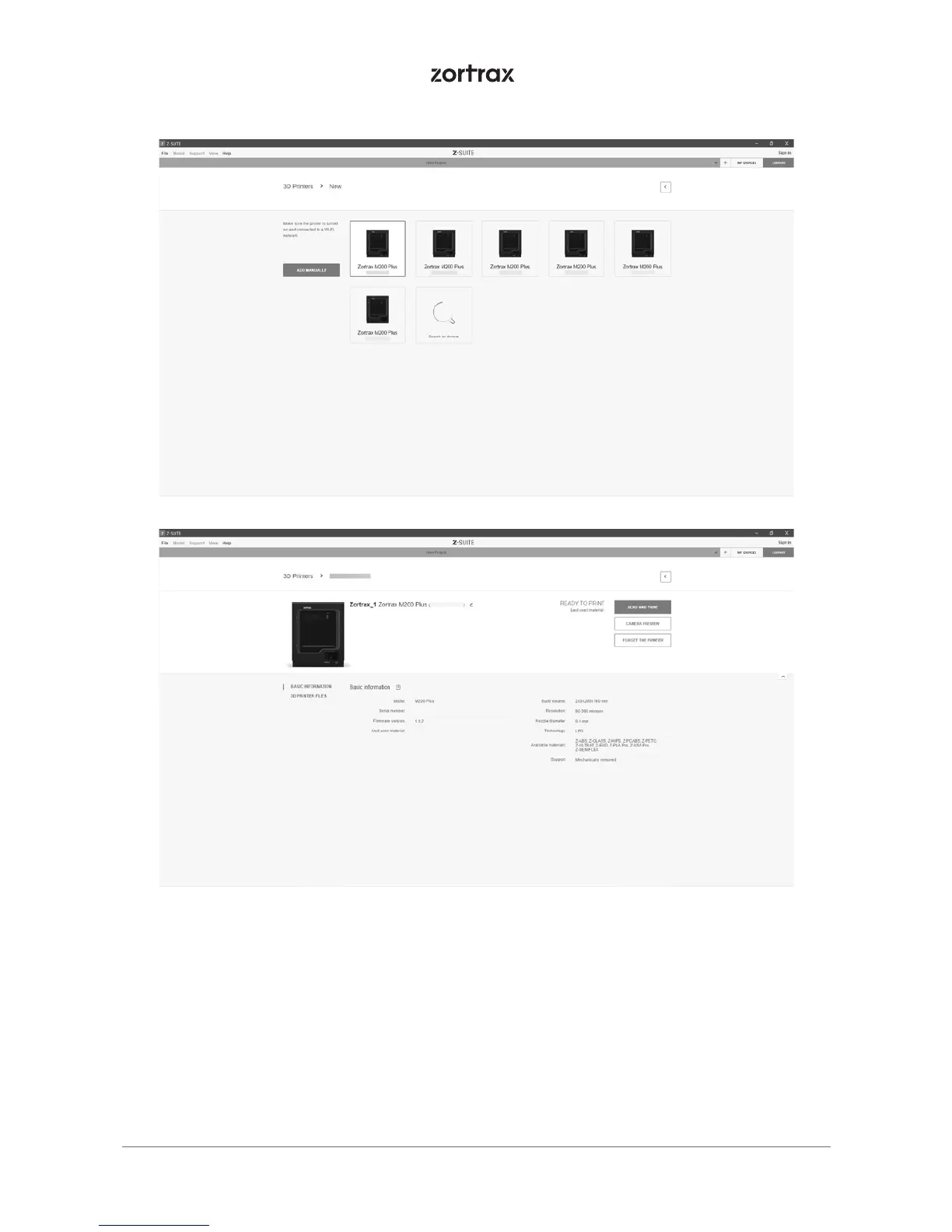
Each added printer can easily be managed in Z-SUITE. You can start, stop, and pause the
printing process, see the printer’s current state (Ready to Print / Printing / Paused / Offline),
change the name of your printer, preview basic information about the printer, or display
the preview from the printer’s camera.
In the 3D Printer Files tab, you can preview all .zcodex files that are stored on the printer’s
USB flash drive.



 To Next Page