©2018, Zortrax S.A. All rights reserved. All trade names, logos and trademarks mentioned in the following
document are registered trademarks of Zortrax and are subject to legal protection.
48
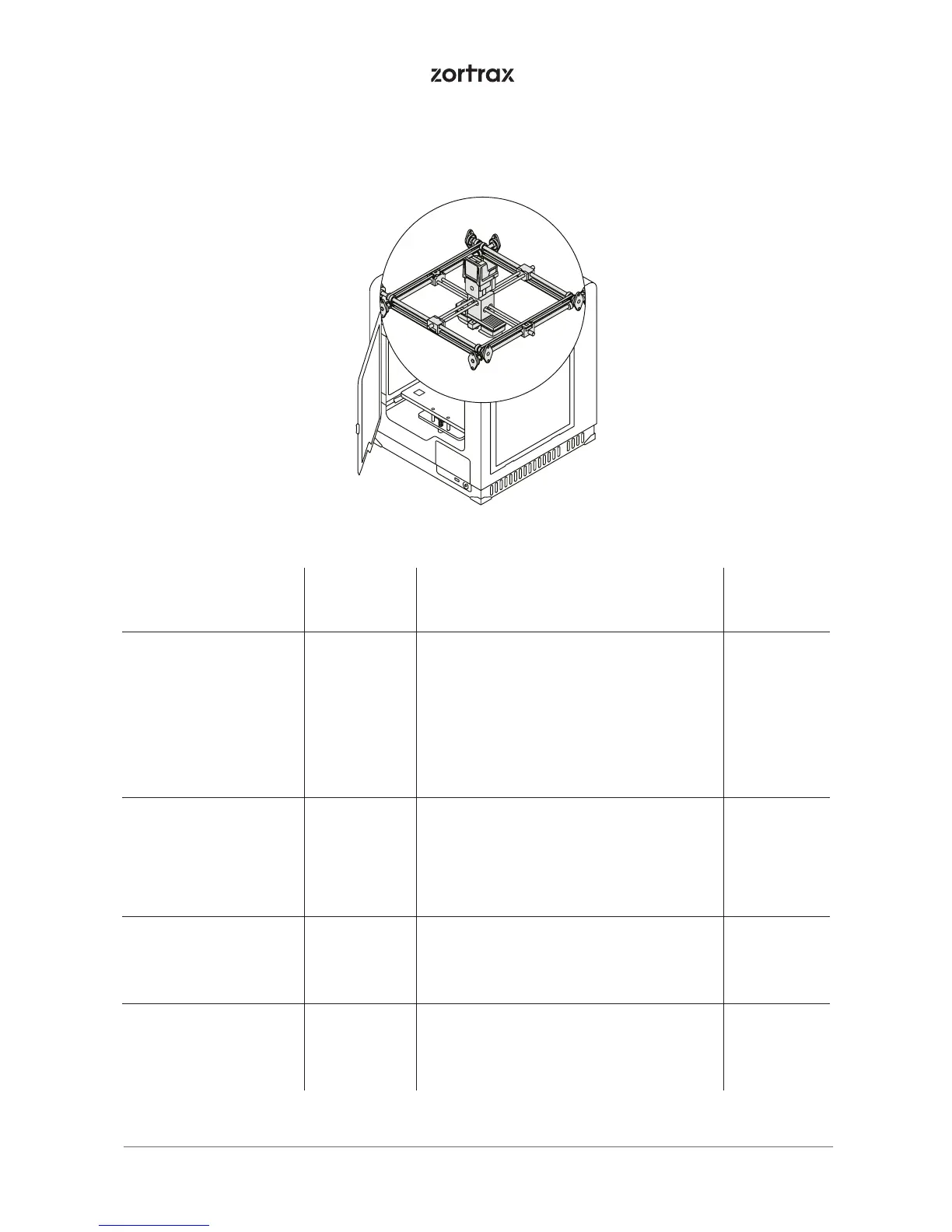
4. X/Y axes; extruder guide rails
Activity Frequency Solutions to the problems
Necessary
accessories
Checking if the axes
and the extruder
guide rails are clean
from material remains
and dust
Before each
printing
It is possible to feel slight resistance while
checking if the extruder moves freely on
the guide rails. In such case you should
check if the X/Y axes and the extruder
guide rails are covered with black grime.
The axes and guide rails should be
cleaned with a cloth damped in acetone
and then lubricated with grease supplied
in the Starter Kit
-
Checking the tension of
the drive belts on the
X/Y axes
Every 300
working
hours
In order to check the tension of the drive
belts on the X/Y axes, move the extruder
to the central point and gently tug the
belts. If the belts are loosened, tighten the
screws placed on the top part of the X/Y
axes blocks
-
Checking the tension of
the drive belts between
the motors and the
X/Y axes
Every 300
working
hours
- -
Checking if the screws
on the X/Y axes and
the motors pulleys are
tightened
Every 300
working
hours
- -



 To Next Page