©2018, Zortrax S.A. All rights reserved. All trade names, logos and trademarks mentioned in the following
document are registered trademarks of Zortrax and are subject to legal protection.
47
Activity
Frequency
Solutions to the problems Necessary accessories
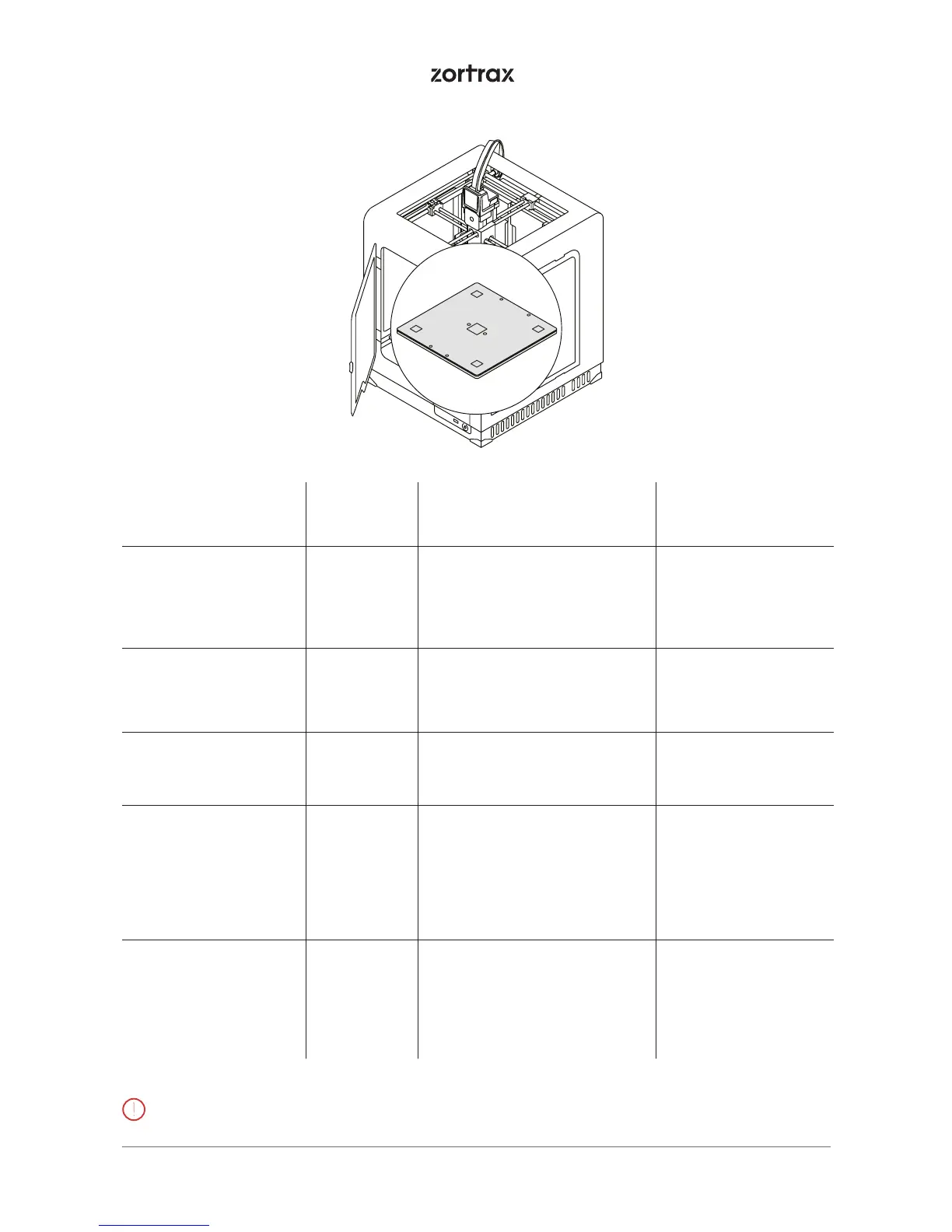
Cleaning the perforated
plate
Before each
printing
To remove material remains
from the surface of the perfo-
rated plate, use a spatula
- a spatula
Checking the
perforated plate for
deformation
Before each
printing
- -
Calibration Every 200
working
hours
If the platform calibration
fails, move on to the next step
indicated in this table
-
Cleaning the heatbed
and the underside of
the perforated plate
Every 300
working
hours
Unscrew the screws that secure
the perforated plate and
remove the residues from the
underside of the plate using a
spatula. The heatbed needs to
be cleaned with a piece of cloth
damped in acetone
- a spatula,
- a piece of cloth,
- acetone
Checking if the screws
next to the platform’s
small connector are
tightened (in the back
left corner of the
perforated plate)
Every 200
working
hours
- - a 2.5 Allen key
3. Platform
Lack of proper care of the machine can cause inevident damage or improper operation of the drive units



 To Next Page