Need help?
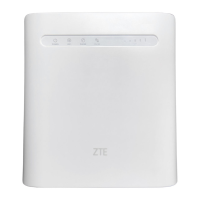
Do you have a question about the Zte MF29A and is the answer not in the manual?
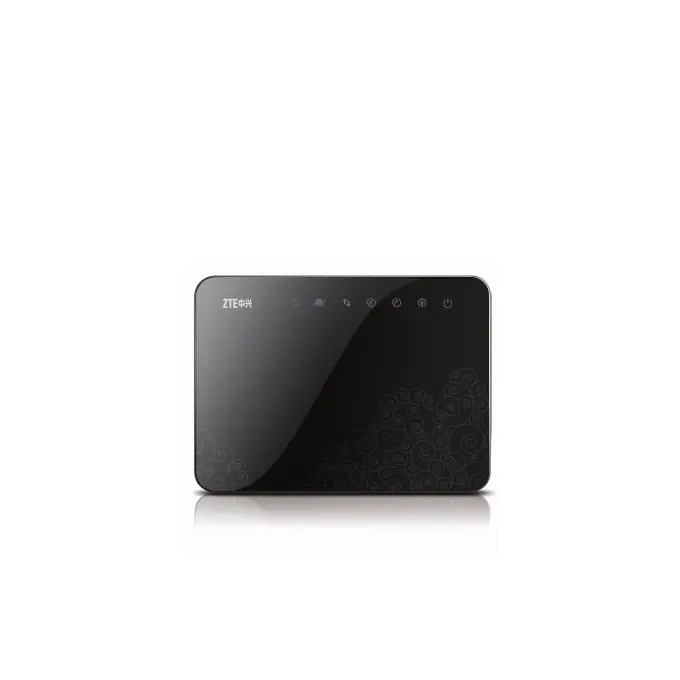
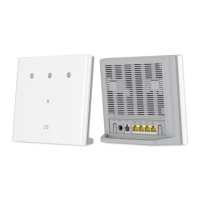
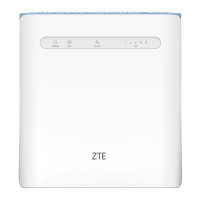
Visual description of the router's front and back panels, highlighting ports and indicators.
Steps to power on the router and initiate the connection process.
Detailed instructions for setting up a PC to connect to the router's internet service.
Steps to set up the Wide Area Network connection based on the chosen operation mode.
Procedures for initiating voice calls through the router.
Instructions for receiving and managing incoming voice calls.
Guide to launching the web browser and entering the router's IP address.
Process for authenticating and gaining access to the router's configuration settings.
How to choose specific network bands for optimal 3G signal reception.
Displays a list of detected wireless network stations.
Configuring rules to filter network traffic based on MAC addresses, IP addresses, or port numbers.
Displays essential 3G network and system information.
Shows detailed information about WAN and WLAN network connections.
Crucial safety guidelines to prevent hazards and ensure proper operation.
Troubleshooting steps for issues with voice calls and phone connectivity.
Troubleshooting steps for poor signal reception indicated by the RSSI light.
Information and solutions for issues related to the router's login password.
 General
| Brand | Zte |
|---|---|
| Model | MF29A |
| Category | Network Router |
| Language | English |


 To Next Page