Installation manual 2N® IP Force
1.
2.
Mounting Completion
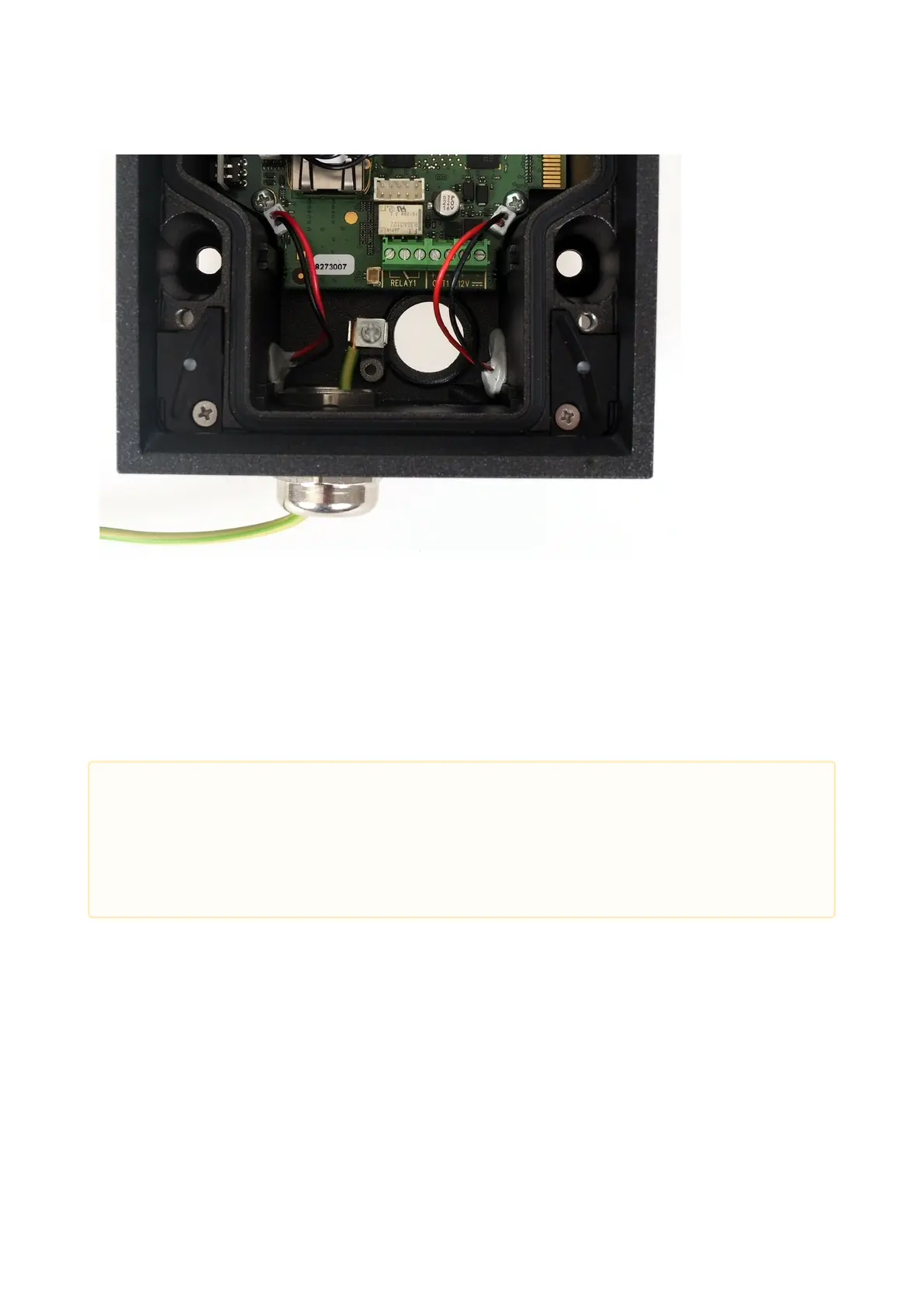
Having connected all the wires, make sure that the bushings, if used, are tightened properly and the RJ-45
connector is inserted in the PCB connector.
Replace the front cover carefully. Make sure that the connector is inserted correctly and the wires inside the
device leave enough space for the board if you are installing a four-button board. Tighten the four screws
thoroughly with the wrench enclosed (Torx 20) to make the panel fit tightly to the metal chassis.
Available Switches
•
•
Caution
Properly installed intercom is waterproof. An incorrect mounting may compromise the intercom
watertightness. Water leakage may damage the electronic part of the system.
Stainless steel screws are used for the 2N
®
IP Force assembly. Other screws than stainless steel
ones corrode soon and may aesthetically deteriorate the surrounding environment!



 To Next Page