Calling to Phone Book Position
2N IP Style
®
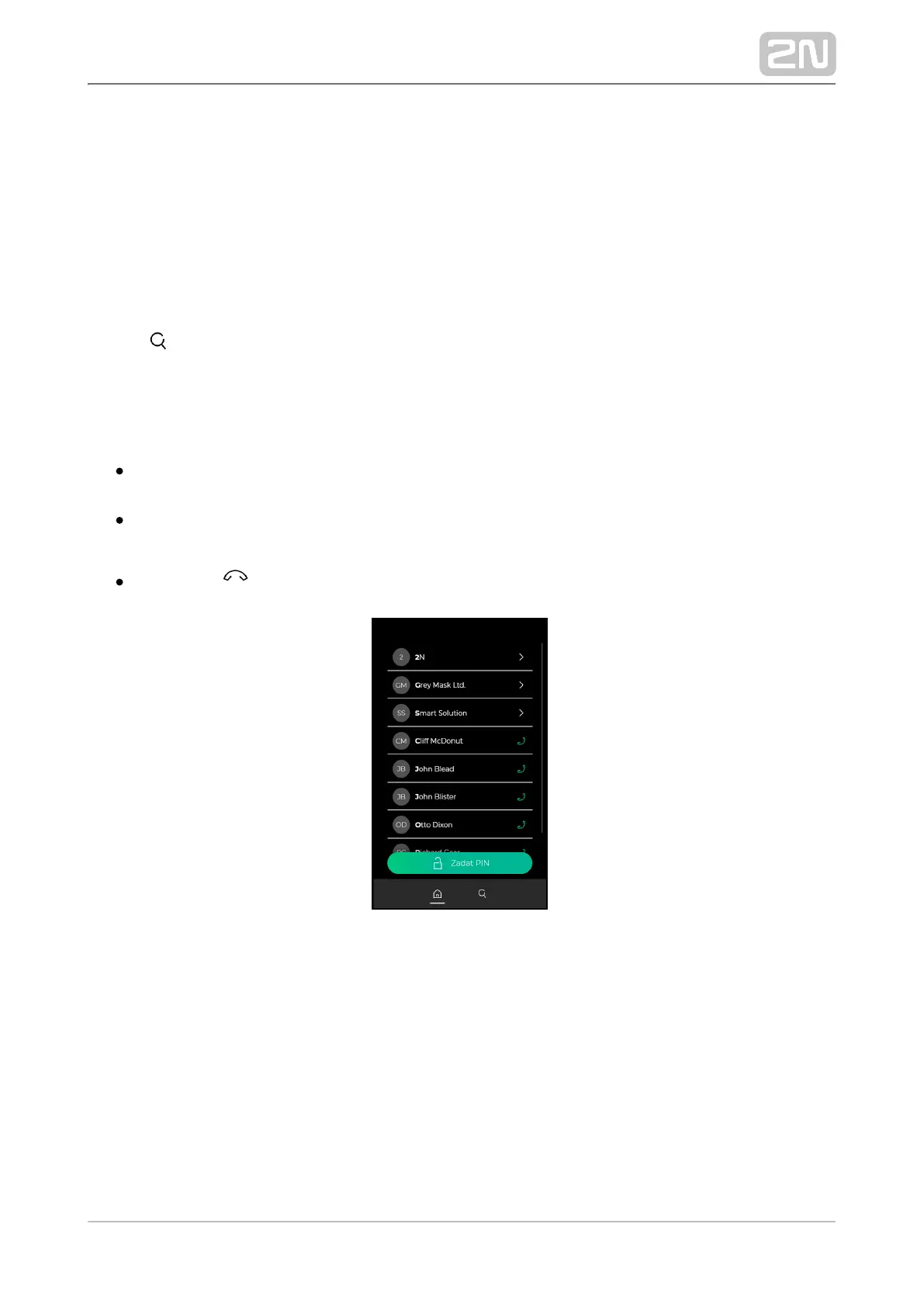
displays the group / user name list. The Phone Book can 2N IP Style
®
contain up to 10 000 pre-programmed positions. The group / user list can be
displayed as a classic name list or as a set of cards (refer to Subs. of the 5.3.8 Display
Configuration Manual for IP Intercoms). The user groups are superior to the users, the
list is arranged in the alphabetical order.
Press to display a full-text array to retrieve a user by entering a few letters
representing the user name. All options are displayed from the list that contain the
searched string.
Procedure:
Touch the screen with your finger and move up and down to scroll up and down
in the group / user list.
Touch a selected user list position / card with your finger to make an outgoing
call to the user. An outgoing call will be set up.
Press the red button any time to end the call.
Name List



 To Next Page