3.2 2N® IP Style User Control
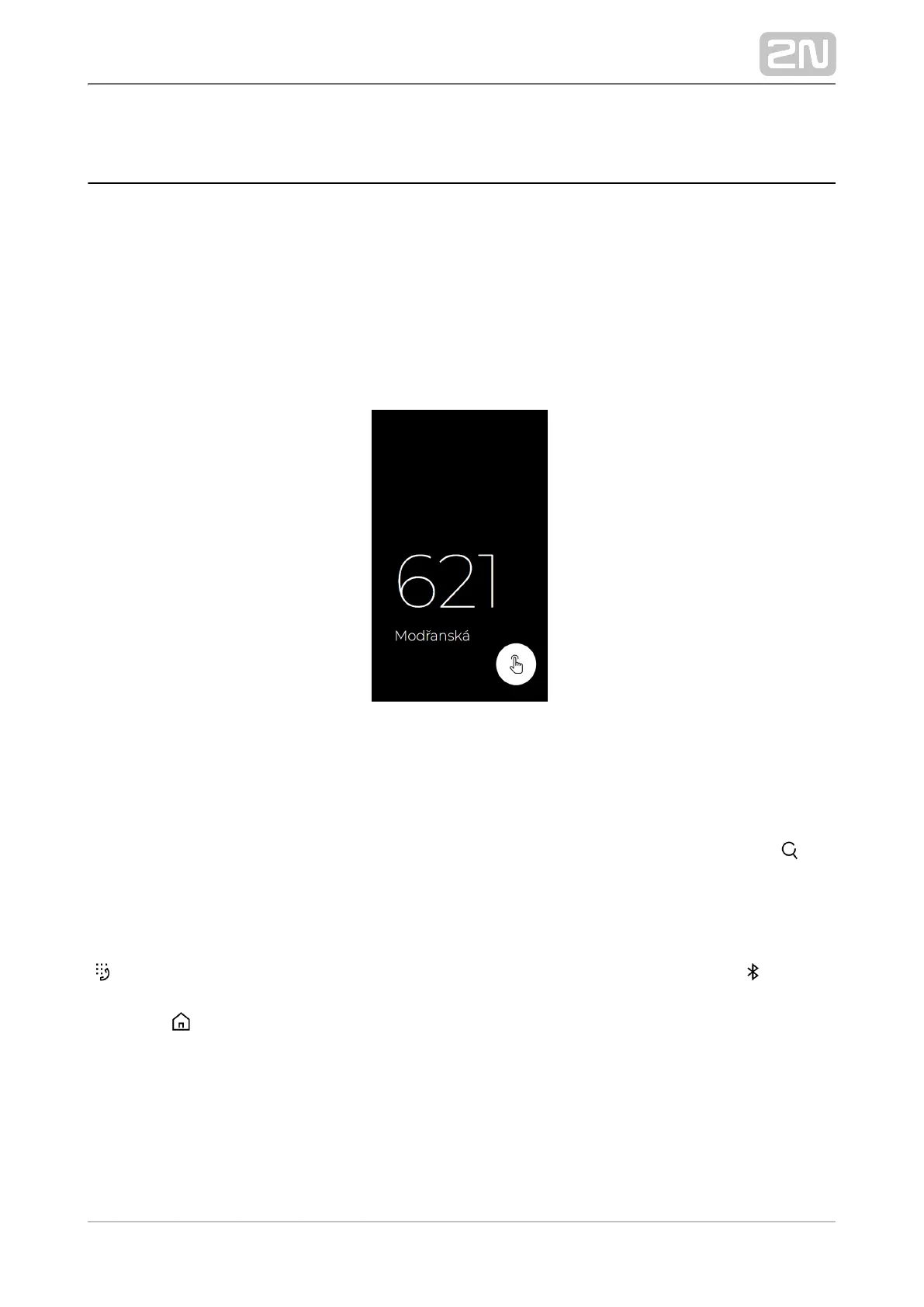
Sleep Mode
2N IP Style
®
switches to the Sleep mode after an idle timeout (default value is 60 s).
In the Sleep mode, you can go to the Showcase mode to display a presentation or the
company logo/address (see Subs. of the Configuration Manual for IP 5.3.8 Display
Intercoms).
Touch any part of the display to cancel the Sleep mode and display the home page.
Sleep Mode
Home Page
The home page displays the group / user name list to be called. Use the icon to
display a full-text array to retrieve contacts in the device directory. Also, the
possibility to enter the access code via the touch numeric keypad is offered.
If configured so, the home page can provide the possibility to call user virtual numbers
or get access via the mobile application under the icon .2N Mobile Key
®
The icon helps you return to the home page.



 To Next Page