15
Feature Options
Your IP phone provides a full range of features. You can access some of these features
(for example, call transfer) by pressing a dedicated button. These features, together
with basic phone operations such as making and answering calls, are described in
Chapter 3 BASIC TELEPHONE OPERATION.
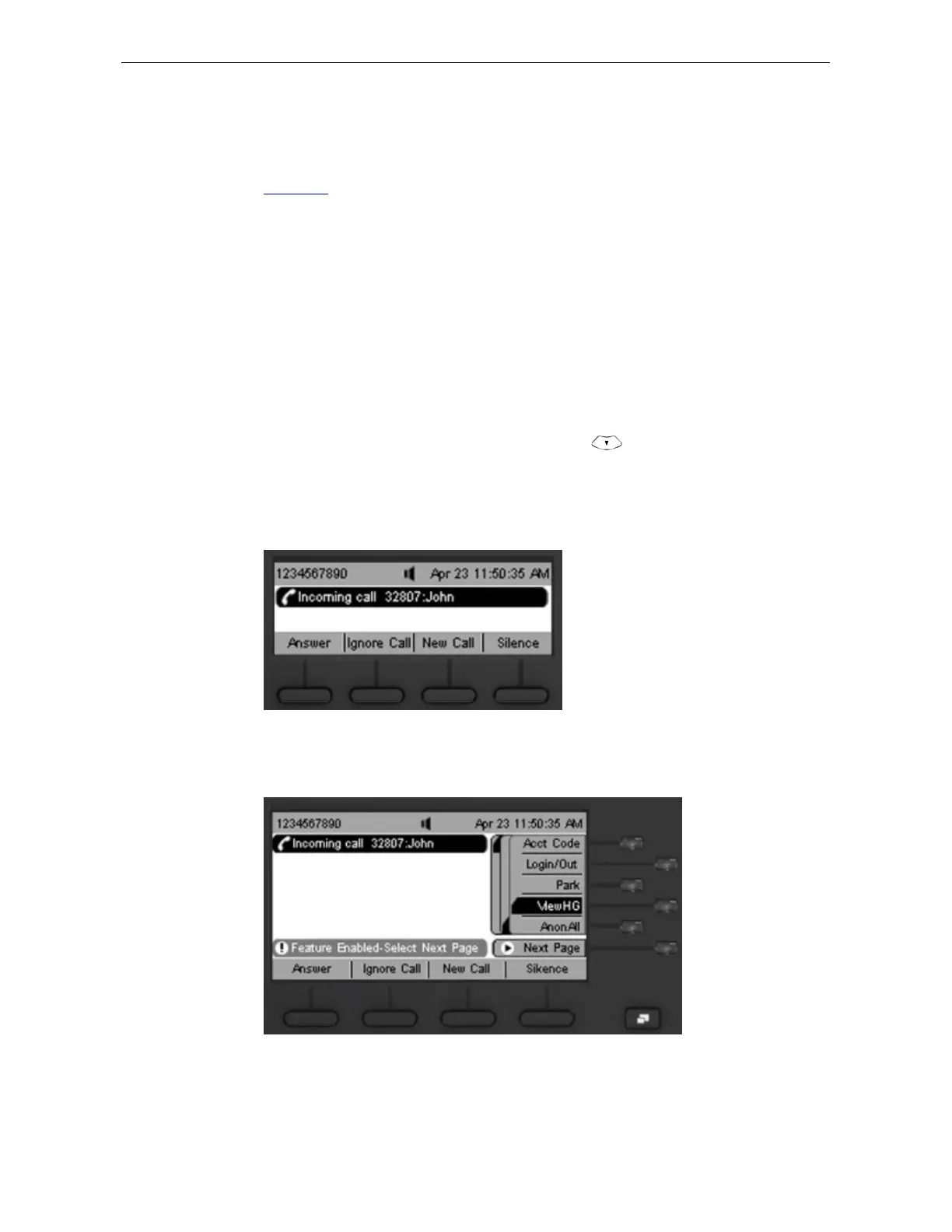
You can access some features of your IP phone by pressing the Features soft button,
as shown in Figure 7. You can then enable a feature by using either of the following
methods:
1 Press the Features soft button.
2 Select Use feature code from the menu.
3 Enter the three-digit feature code on the keypad (see Feature Code Overview).
4 Enter any additional values following display panel prompts.
Or
1 Press the Features soft button + 6.
2 Scroll to the feature by pressing the Scroll Down ( ) button.
3 Press the Select soft button.
4 Enter any additional values following the display panel prompts.
Figure 7 Features soft button on the 3500/3500B/3501 telephone
Figure 8 Features soft button on the 3502 telephone



 To Next Page