16
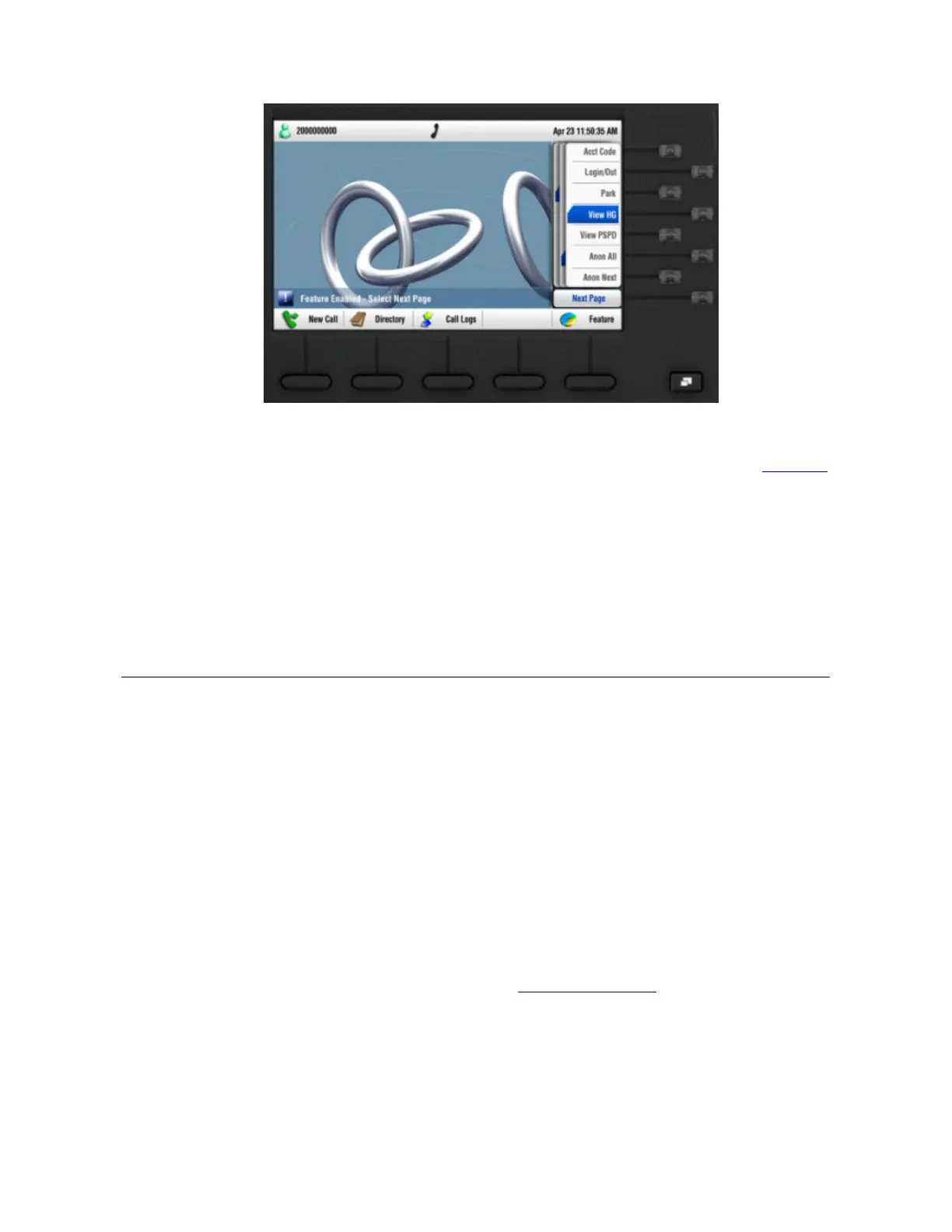
Figure 9 Features soft button on the 3503 telephone
The following list describes the features of the 3500 series IP phones. See Chapter 5
FEATURE CODES
This chapter describes how to use VCX feature codes on a VCX telephone to enhance
the operation of your phone. A feature code is a sequence of numbers you enter on the
telephone keypad to enable a feature that is not mapped to a button.
This chapter includes the following topics:
Feature Code Overview
Using Feature Codes
Feature Code Overview
Some common telephone features are mapped to buttons (Hold, for example).
However, the number of buttons varies on each model of VCX phone. Furthermore, the
number of VCX features exceeds the number of buttons available on a phone. Feature
codes allow the VCX telephone feature set to be available to all VCX phones,
regardless of the number of buttons on the phone.
Each feature is assigned a unique three-digit feature code. You can invoke a feature by
entering the numeric code assigned to the feature. For example, you can use a feature
code to enable call forwarding and specify a destination number.
For all VCX telephones, you can use either approach to invoke a feature:
1 Press Feature + 6.
2 Input the three-digit feature code. (See Using Feature Codes)
3 Enter additional information as prompted on the Display Panel.
Alternatively,



 To Next Page