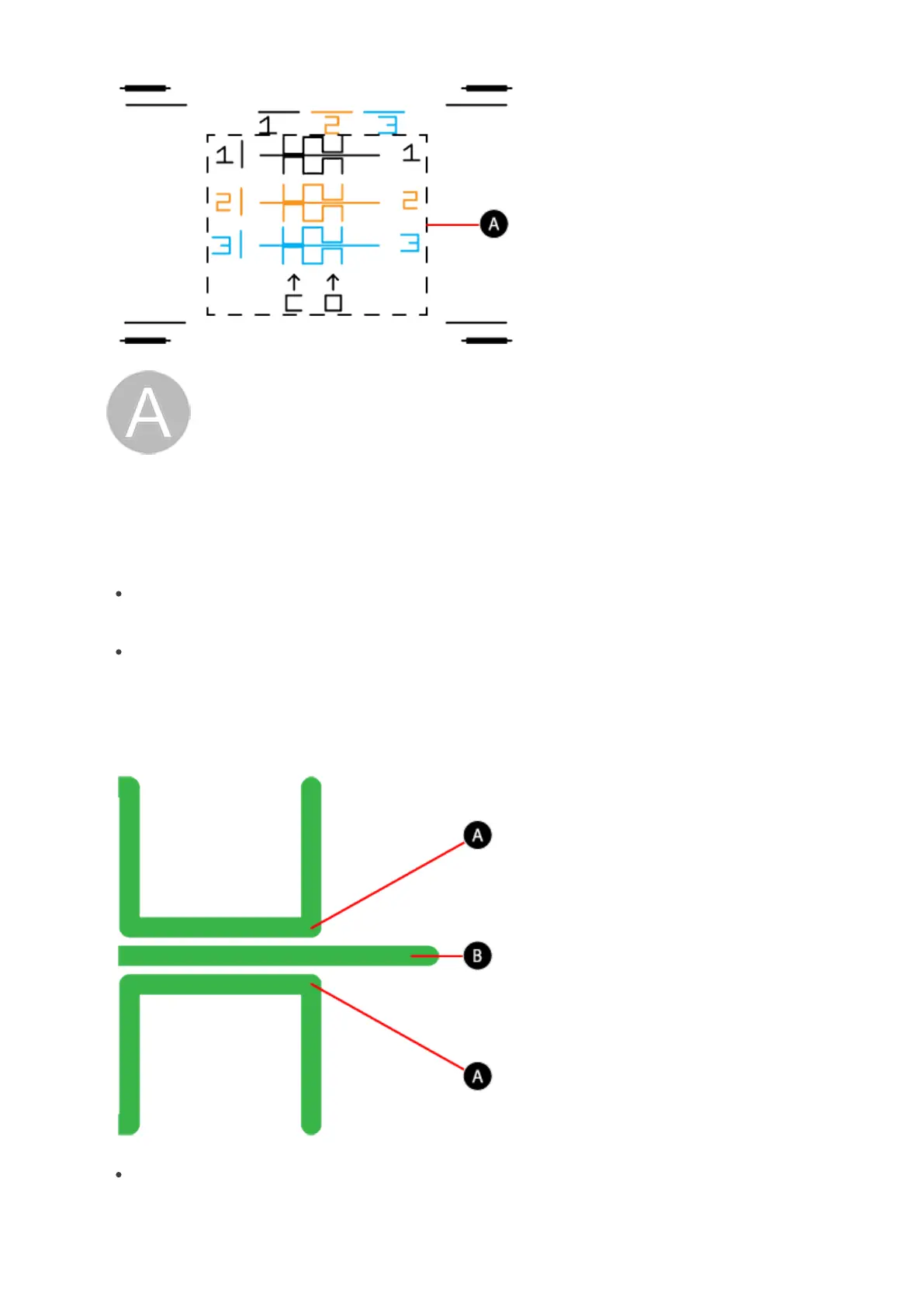
Z-Gap - The Z-Gap is the distance between the print pad and the print jet
nozzles. The Z-Gap should always be checked and adjusted first before the
Level Gap.
Important
If either ABS or PLA materials are used to check nozzle level, the gap must be checked with
the nylon single nozzle Level_Gap file.
When using NYL_LEVEL_GAP it is best to have the corner-plate level patterns contain a
gap above and below the baseline.
The gap for nylon is different than the gap for ABS and PLA materials. For best print
results, the Z-gap for nylon should be slightly more than the Z-gap for other materials
when reading the open Z-gap print. This gap is found between the measurements
lines (A) and the baseline (B).
The closed pattern should remain be closed.











 To Next Page