Chapter 2. Installing Your 3ware RAID Controller
14 3ware 9650SE Serial ATA RAID Controller Installation Guide
Step 1 (9650SE-2LP). Connect the
Cables to the Controller
1 For the 9650SE-2LP, take out the SATA cables provided with
the controller. (For other 9650SE models, turn to the next
page.)
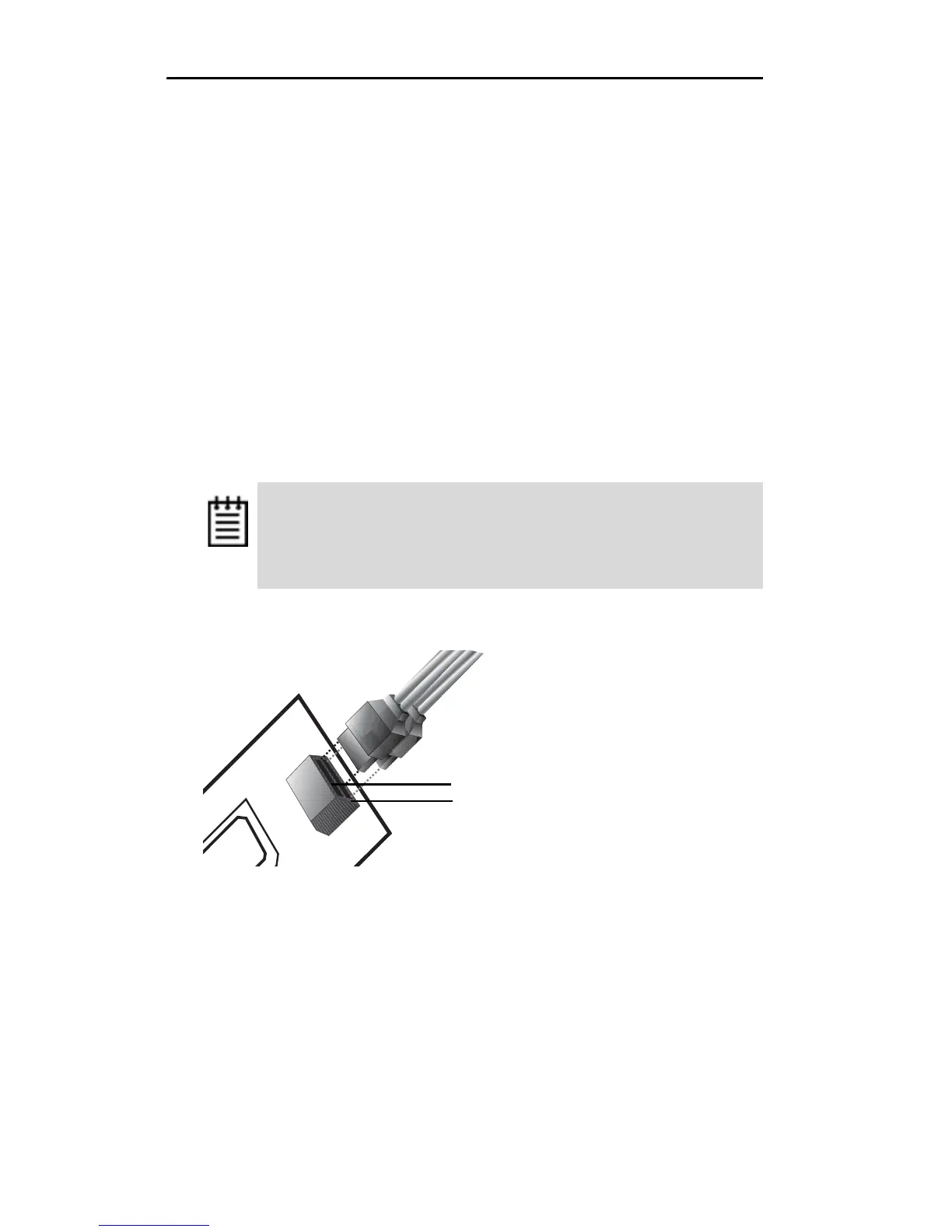
One edge of each SATA cable connector is keyed so that it can
only be inserted in one direction. This helps to ensure proper
orientation and installation
2 Decide to which port you want to connect the first cable.
3 Align the cable connector with the connector on the controller,
matching the slotted key and carefully mate the connectors.
Figure 9. SATA Cables Being Inserted Into Port
4 Repeat steps 2 and 3 for the second SATA cable. (You connect
one cable for each hard drive you will attach.)
Note: The connectors on the end of the serial controller and
the drive are susceptible to damage from excessive bending.
Be careful not to insert or remove the SATA cable connector
at an angle.
Port 0 is on top.
Port 1 is on the bottom



 To Next Page