Step 1 (Multilane Controllers). Connect the Cables to the Controller
www.3ware.com 15
Step 1 (Multilane Controllers). Connect
the Cables to the Controller
The 9650SE-4LPML, 9650SE-8LPML, 9650SE-12ML, and
9650SE-16ML models are all multilane controllers. (For the
9650SE-2LP, turn to the previous page.)
1 Take out the multilane cables provided with your controller.
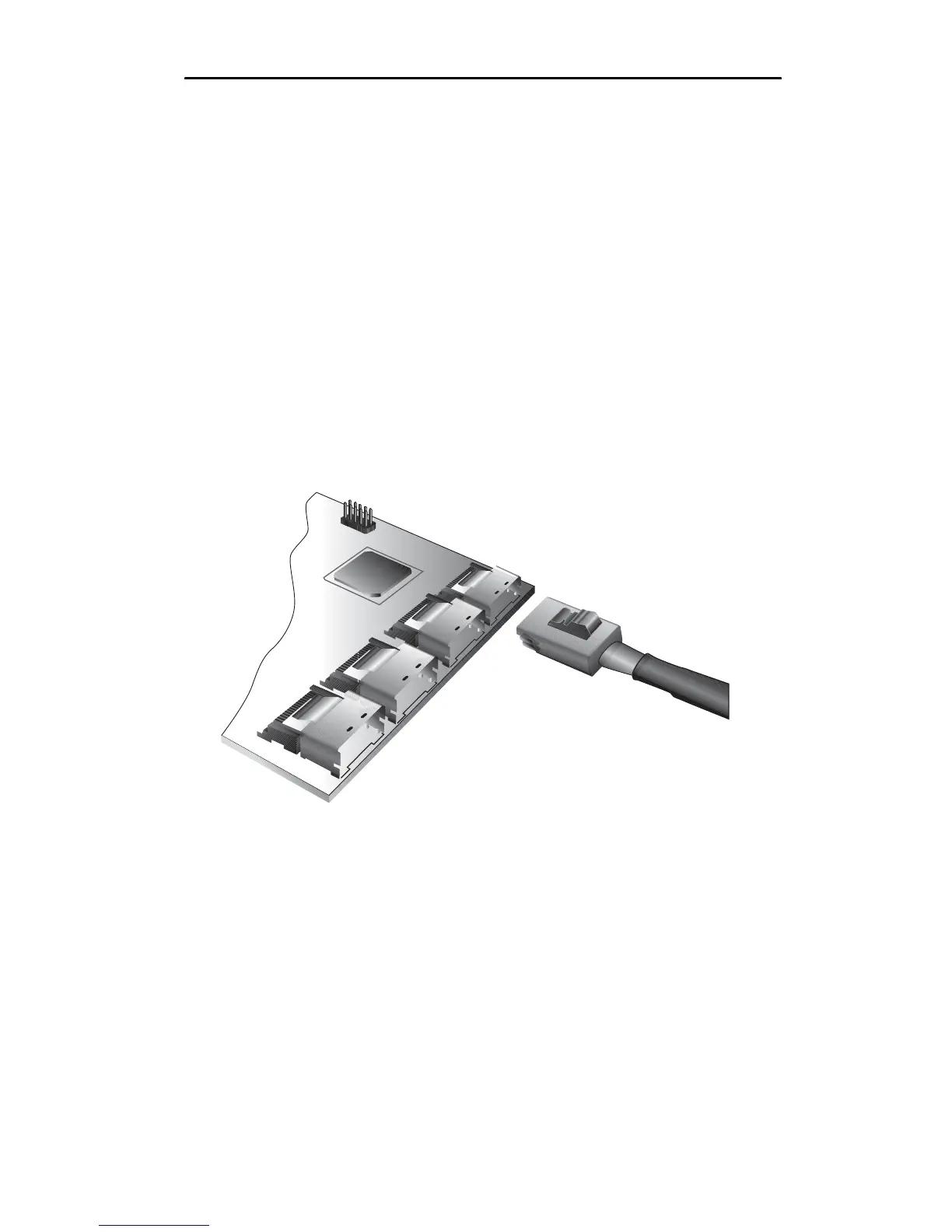
2 Connect each multilane cable to a multilane connector on the
controller.
When the cable is inserted correctly, you will feel it click into
place.
Figure 10. Connecting a Multilane Cable with an SFF-8087
Connector to the 9650SE-16ML Controller
Depending on the which model of the 9650SE you have, and
the number of drives you will be connecting, you will connect
between one and four multilane cables.



 To Next Page