Installation Instructions
www.3ware.com 29
Installation Instructions
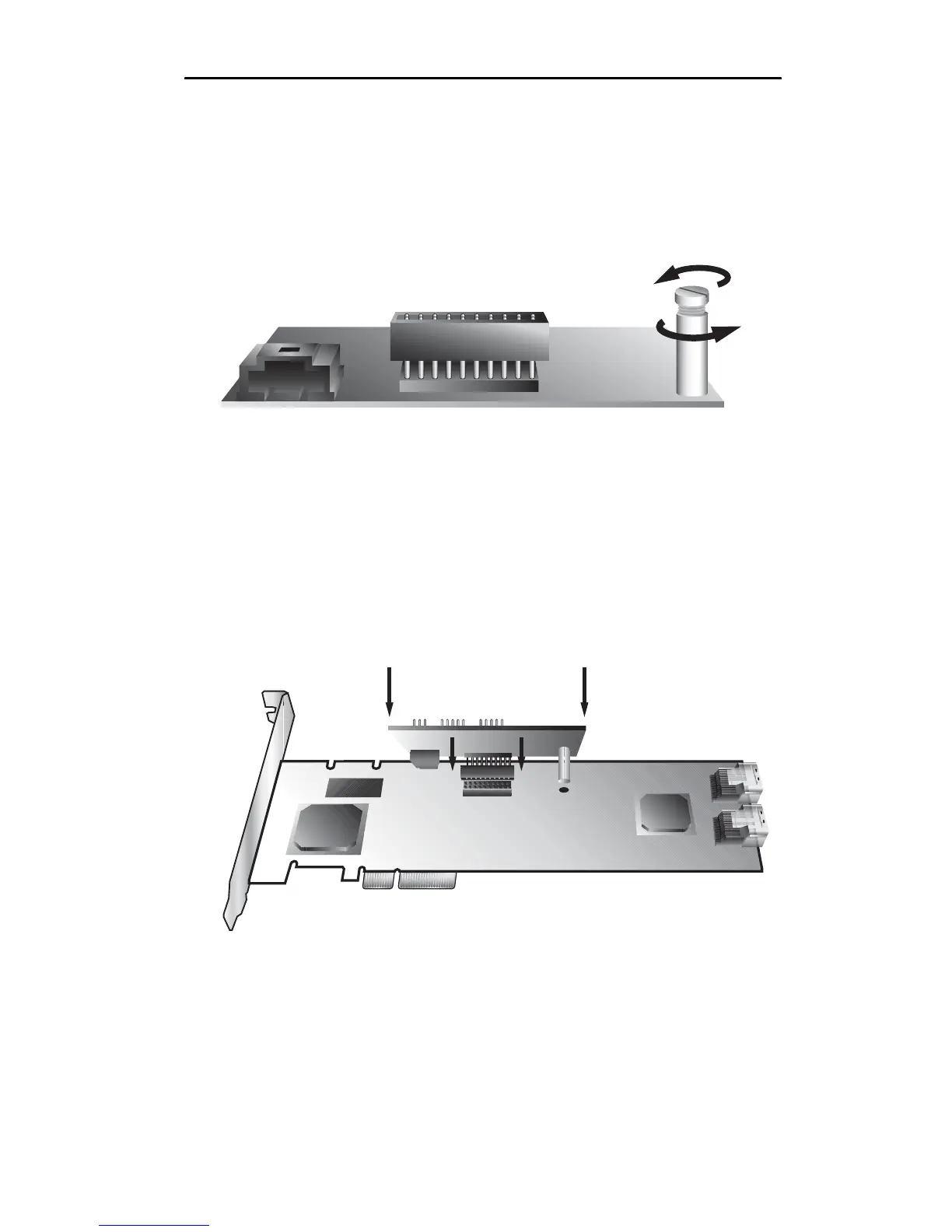
1 Remove the screw head from the plastic post on the BBU
control module and set it aside (you will reattach it soon.)
Figure 22. Removing the head from the plastic post
2 Position the BBU control module above the controller and align
the BBU control module and the controller, making sure to:
Mate the connector on the BBU control module with the
receptacle on the controller.
Match the plastic post on the BBU with the hole on the
controller.
Figure 23. BBU control module ready to connect to the
controller



 To Next Page