Replacing the Battery
www.3ware.com 35
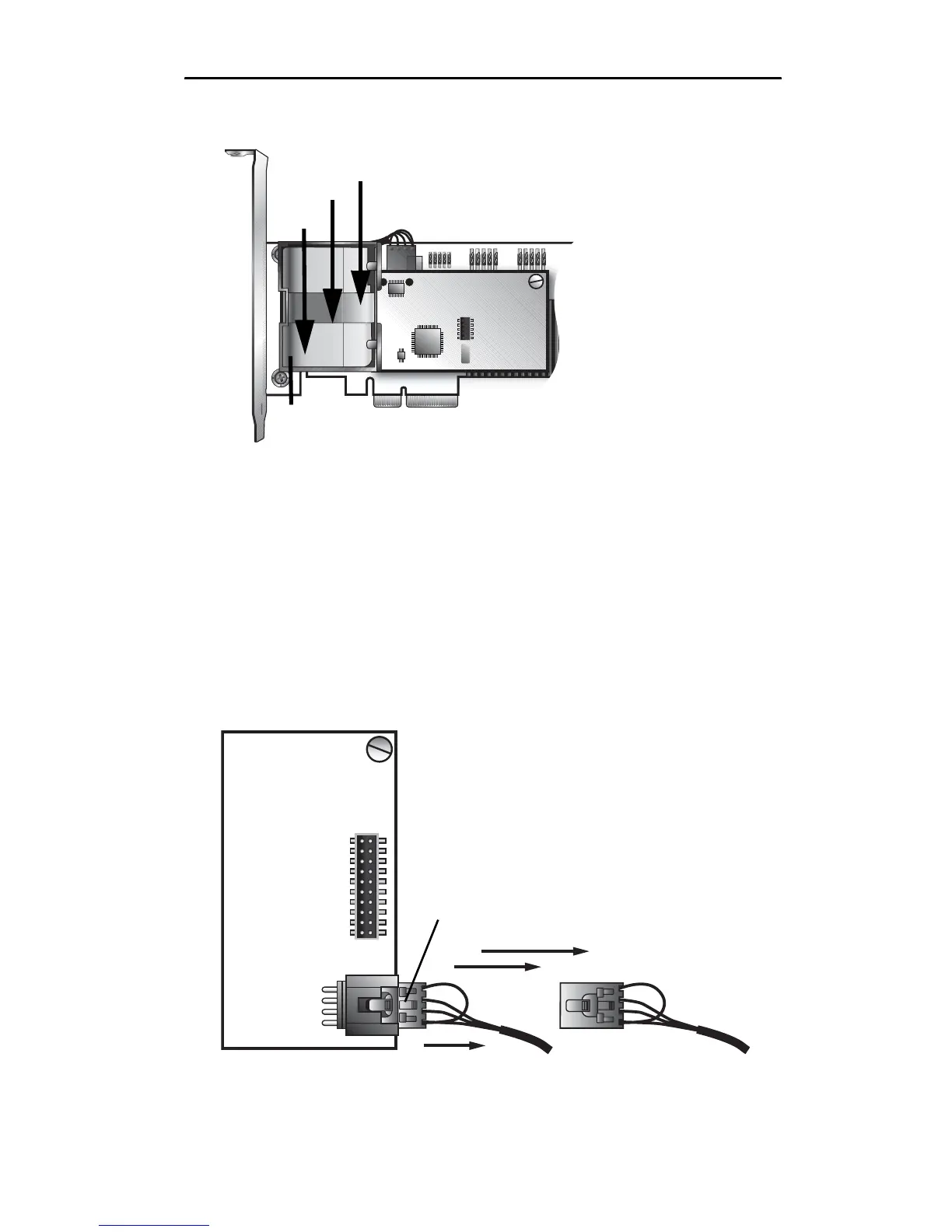
Figure 30. Removing the battery module
6 Disconnect the battery power cable from the BBU.
To do so, press down on the lever-like clip on the battery power
connector and slide it out of the slot.
(If desired, you can remove the BBU control module to
facilitate disconnecting the power cable.)
Figure 31 shows how removing the connector looks if you
remove the BBU control module from the controller.
Figure 31. Removing the power cable from the BBU module
Bottom clip
a) Push the battery
module down gently.
b) Lift out the bottom
of the battery module
to release the clip on
the bottom edge.
c) Lift up to remove
the clips on the top
edge.
Press down on the
lever-like clip and pull
the connector out.



 To Next Page