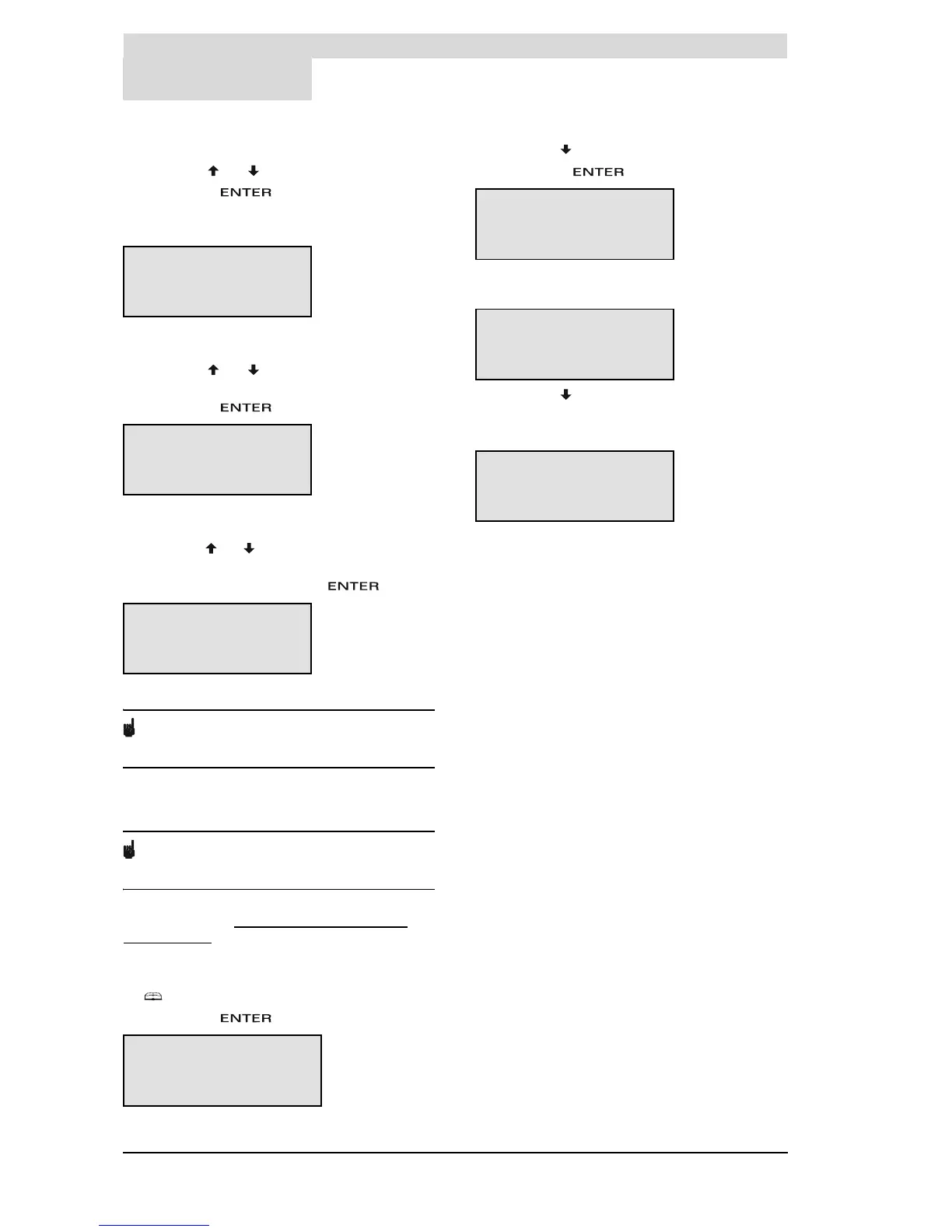
Main menu
68 Instruction manual BFC
11
gis
4. The cursor is positioned beside
Sunday
.
Scroll with and to the desired day.
Confirm with .
The day has been set. The display shows the sub-
menu for adjusting the time.
5. The cursor moves to the hour digits, which will
blink.
Scroll with and to the current hour, for
example 15.
Confirm with .
6. The cursor moves to the minute digits, which will
blink.
Scroll with and to the next minute, for example
45.
Confirm the minute setting with
The time has been set.
Note
The water heater takes no account of daylight
saving.
11.11.3 Displaying water heater
specifications
Note
This category is solely intended for the installation
engineer and/or service and maintenance engineer.
The corrected data is shown in the table of general
and electrical data (3.4.2 "
General and electrical
specifications").
Call up the menu to display the water heater
specifications as follows:
1. :
SETTINGS
.
Confirm with .
2. Scroll with to
SPECIFICATIONS
Confirm with .
The display shows the sub-menu for displaying
water heater specifications.
3. Scroll with to the section to be displayed, for
example
REGULATION INTERVAL
.
The corresponding display appears.
TIME
»00:00
TIME
15»00
TIME
15»45
MENU
WEEK PROGRAM
^ EXTRA PERIOD
ȻSETTINGS
SETTINGS
LANGUAGE
^ DAY/TIME
ȻSPECIFICATIONS
SPECIFICATIONS
»REGULATION INTERVAL
^ IGNITION SPEED
È WORKING SPEED
REGULATION INTERVAL
40
_
80ÉC





 To Next Page