18
10.3. Calibration using a weight
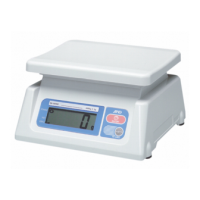
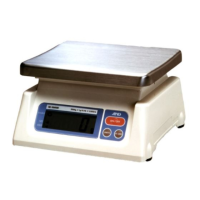
Prepare a weight, preferably a weight with the same value as the weighing capacity of
the scale to be calibrated. Note that the calibration weight value can be changed.
1. Turn the power ON and warm up the scale for at least half an hour.
Change the function setting “
poff
” or place something on the weighing pan to
disable the auto power-off function.
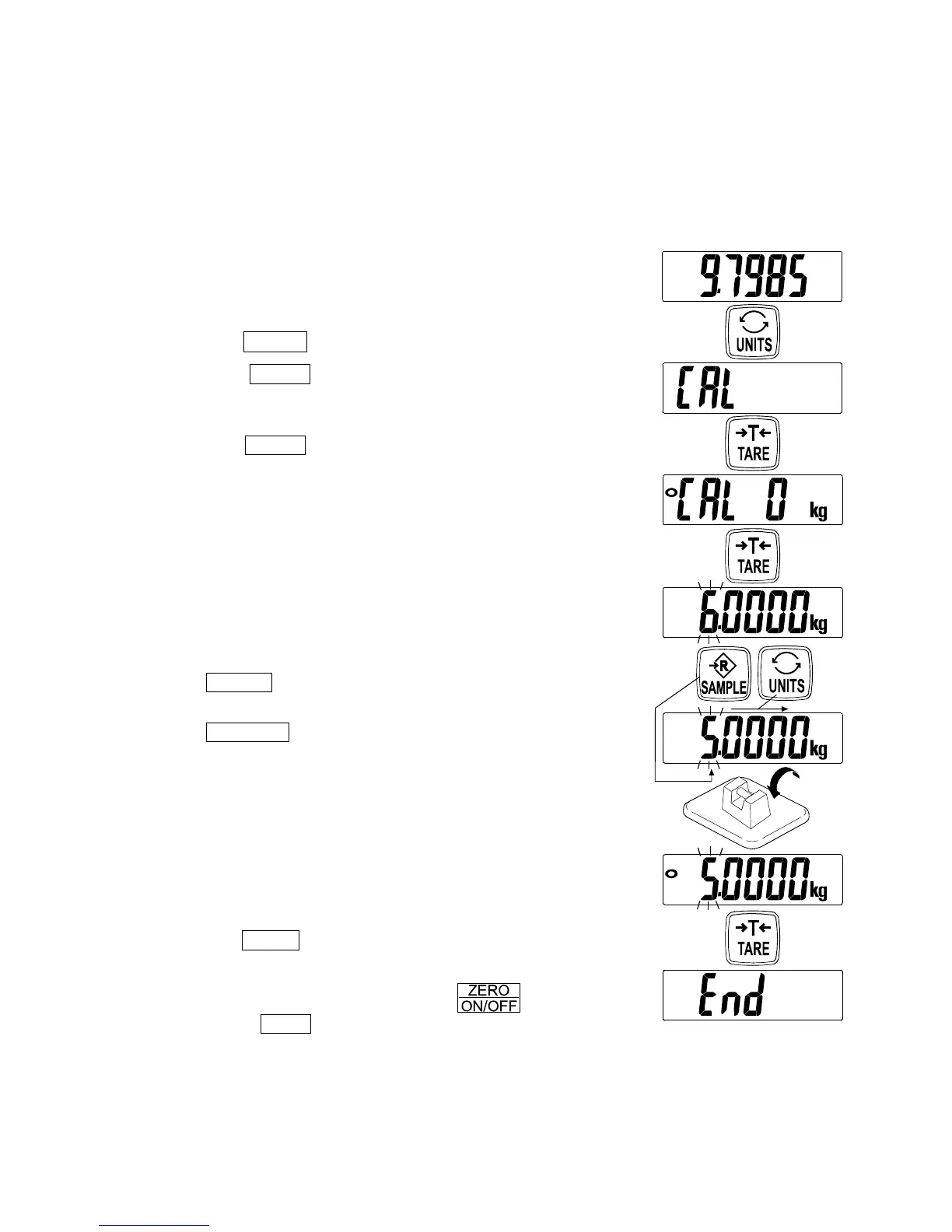
2. Refer to “10.1. Calibration mode” to enter the
calibration mode. The gravity acceleration value is
displayed.
3. Tap the UNITS switch and the scale displays “
Cal
”.
4. Tap the TARE switch, then “
Cal 0
” is displayed.
Confirm that nothing is placed on the weighing pan and
wait for the STABLE indicator to turn on.
5. Tap the
TARE switch. The scale calibrates the zero
point and displays the value of the calibration weight
(SPAN calibration).
The calibration weight value is equal to the weighing
capacity. (factory setting)
If SPAN calibration is not to be performed, turn the
power OFF to exit from the calibration procedure.
6. To calibrate with a weight different from the weighing
capacity, change the displayed value using the
following switches.
UNITS To shift the digit that is blinking to the
right.
SAMPLE To increase the value of the blinking
digit by one.
Using a weight with the same value as the weighing
capacity is recommended. If other weights are used,
use one with a value greater than two-thirds of the
capacity.
7. Place the calibration weight with the same value as
displayed on the weighing pan, and wait for the
STABLE indicator to turn on.
8. Tap the TARE switch. The scale calibrates SPAN and
“
end
” is displayed. Then, the display returns to “
Cal
”.
To finish the procedure, touch the switch or
press the CAL switch. The scale turns the power
OFF.
Note: If the scale will be moved to another location, set the gravity acceleration
value for the present location first and calibrate the scale using a weight.
Then, change the gravity acceleration value for the new location.
Tap
Tap
Tap
Tap
Tap


 To Next Page