40
Technical Details
Projector not charging
Possible Causes Solution
There is no power. Check to ensure the power outlet source is good.
Check the power adapter to ensure a proper con-
.rotcejorp eht sa llew sa teltuo llaw eht htiw noitcen
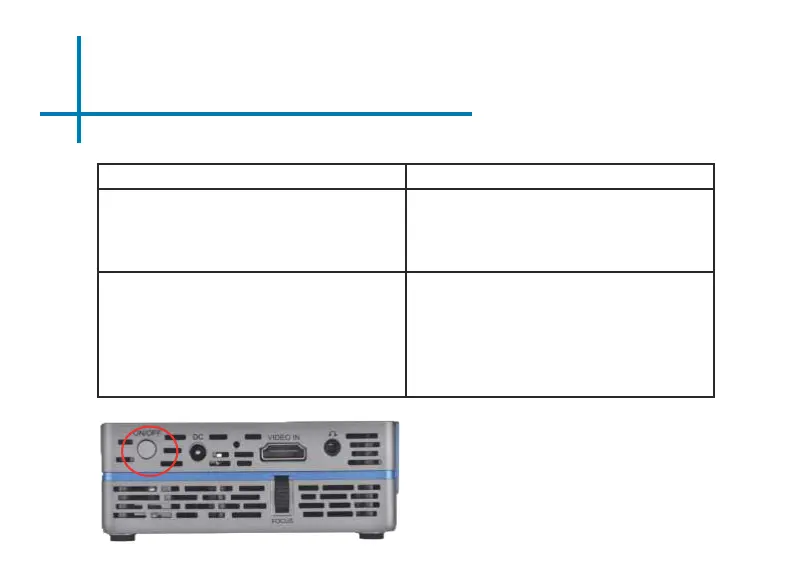
The projector is not set to the “OFF” Mode.
Troubleshooting
Connect the power cord to the SLC450 . Connect
the other end of the power cord into the wall power
source .Press the switch on the back of the
projector.















 To Next Page